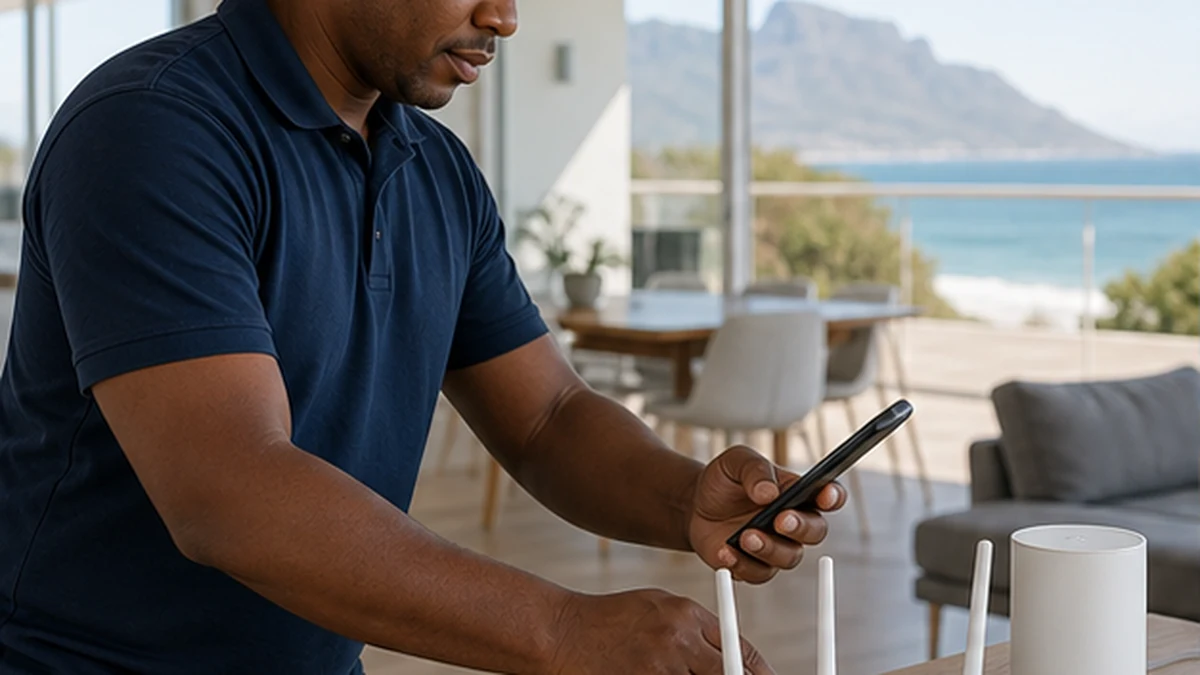
Start with how the home actually uses WiFi
A faster package does not automatically fix weak coverage. Walls, floor levels, router position and competing wireless signals can all limit performance inside a Kommetjie home. We begin by discussing the problem areas, important devices and the connection supplied by your internet provider.
We then test or inspect the layout and separate coverage issues from provider-line issues. This prevents a new access point being used to hide a fault outside the home network.
Router placement and wireless coverage
A router works best when it is open, reasonably central and away from obvious obstructions or electrical clutter. It should not be hidden inside a metal cabinet or placed at one end of a long house if the busiest rooms are far away. Double-storey layouts and thick older walls often need more than one wireless point.
We plan the number and position of access points around real use, including work areas, televisions and outdoor rooms where practical.
Wired links for demanding devices
Ethernet can provide a stable connection for televisions, desktop computers, access points and recorders. We plan routes that avoid loose leads across walkways and keep terminations accessible. Existing conduits are checked rather than assumed to be clear.
For connected viewing equipment, DStv Explora installation can be coordinated with the network so the decoder position and internet path are considered together.
Mesh WiFi and access point setup
Mesh systems can improve coverage when units are positioned with a good link between them. Placing a node in an existing dead zone often gives poor results because it has little usable signal to repeat. Wired backhaul may be preferable where the building allows it.
We configure the agreed network name, security and guest access options supported by the equipment. Passwords should be unique and kept by the customer, not reused from unrelated accounts.
Networks for cameras and entertainment
CCTV remote access, streaming televisions and other connected devices add traffic and depend on reliable local coverage. We can check whether the network reaches the planned equipment positions. Our CCTV installation service covers camera placement, recording and supported remote-viewing setup as a separate security scope.
If a screen needs a fixed position, TV wall mounting can be planned before data and power routes are finalised.
Testing, naming and handover
After setup, we test agreed locations and confirm that key devices can connect. Results can vary by device capability and by the internet service itself, so we explain what the local network can and cannot control. Clear access-point names and a simple layout make future support easier.
You receive a practical handover covering connection details, equipment locations and basic restart steps. Provider accounts and private passwords remain under your control.
WiFi and Network Setup questions in Kommetjie
Usually we can improve it after checking router position, wall layout and signal at the problem area. The right solution may be repositioning, an access point, mesh or Ethernet.
Mesh can improve coverage and consistency, but it cannot exceed the available internet service. Node placement and the quality of the link between units are important.
Ethernet is often more stable where a neat cable route is practical. WiFi can work well when the signal at the television is strong and uncongested.
Connection testing requires network access, but you should enter or share credentials only as needed and change them afterwards if preferred. We never need passwords for unrelated accounts.