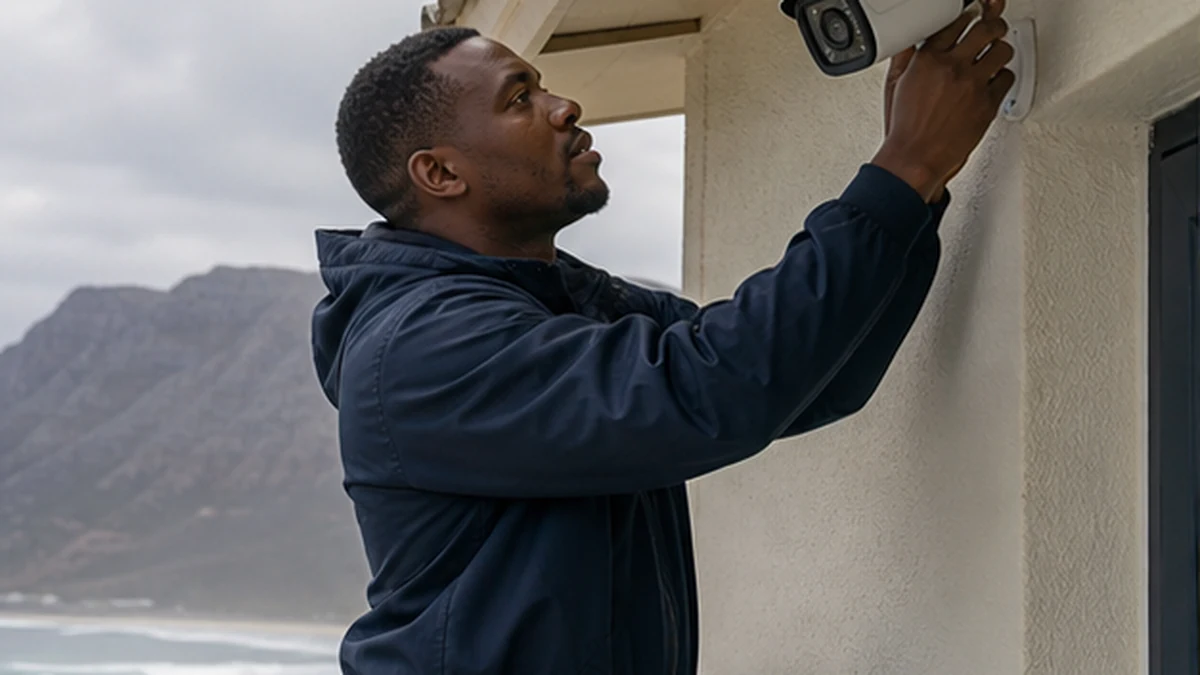
Plan CCTV positions that capture useful views while reducing direct salt, wind, glare and maintenance problems.
A camera is useful only when its view answers a real security question. It should capture an approach, gate or vulnerable access point with enough detail for the purpose. On the Kommetjie coast, position also affects salt exposure, wind movement, glare and the ease of cleaning a lens. Buying a highly rated camera does not correct a poor angle. Start with coverage, then choose the equipment and mounting method.
Map people and vehicle routes first
Walk the property in daylight and after dark. Mark pedestrian gates, driveways, side passages, doors and places where a person can approach unseen. Give each camera a defined task, such as identifying a person at the gate or showing movement along a passage. One very wide view may provide context but too little facial or number-plate detail.
Avoid pointing cameras mainly at public areas or a neighbour's private space. Positioning should be proportionate to the property purpose, and owners should understand applicable privacy obligations. A CCTV installation assessment can match lenses, mounting heights and recorder capacity to the agreed coverage plan.
Coastal CCTV camera placement in Kommetjie
Where possible, place cameras beneath eaves or other shelter while preserving the required view. Shelter reduces direct rain and salt deposition, but it does not make an indoor-rated camera suitable outdoors. The mount must resist movement, and the fixing surface must carry the camera and bracket in wind. Avoid long, flexible arms where a shorter secure mount will do.
Slangkop and Long Beach positions can receive strong wind from different directions. Klein Slangkop and Kommetjie Village buildings vary in how much shelter walls and courtyards provide. Assess the actual face of the building. A leeward position may improve durability, but not if it leaves the gate outside the useful field of view.
Control glare, backlight and night reflections
A camera looking from a dark passage towards bright afternoon sky can lose detail in the subject. Low sun, wet paving and white walls can create glare. At night, infrared light can reflect from a nearby soffit, gutter or spider web and wash out the scene. Test the exact angle under the lighting conditions that matter.
Do not mount a camera behind ordinary window glass if night infrared is required. Reflections often make the image unusable. Consider separate lighting where appropriate, and keep bright lamps out of the direct frame. The aim is a balanced scene with identifiable subjects, not an impressive but empty panoramic view.
Cabling, network and power routes
Plan cables so they are protected from tampering, sharp edges and standing water. External network connectors need appropriate weatherproofing. Drip loops and sealed entries help stop water following a cable into the wall. Recorder and network equipment should sit in a ventilated, secure place with practical service access.
WiFi cameras still need dependable power and network coverage. Thick masonry or a distant router can cause gaps that look like camera faults. If the system covers a detached garage or cottage, the guide to extending WiFi to an outbuilding explains why a planned link is better than relying on a weak indoor signal. A wired link may be preferable where feasible.
Maintaining a clear Kommetjie camera view
Create a simple maintenance schedule based on exposure. Check image clarity, camera aim, time settings, recording and remote access where configured. Clean lenses with the method recommended for the equipment, without scratching coatings. Trim vegetation that has entered the frame and remove spider webs carefully. Do not lean a ladder on an unsafe surface to reach a camera.
After severe wind, compare live views with the original handover images. A small shift can move the critical gate or doorway out of frame. Keep camera labels and passwords managed securely. For a guest property, coordinate security technology with the holiday rental technology checklist so guests receive only the instructions and access they need.
Document each final view with a still image and a short purpose statement. This makes later maintenance objective. A technician can compare whether the gate still fills the required part of the frame or whether wind, gardening or building work changed it. Also test the route used to retrieve recordings. A camera that streams live but does not record is not meeting the same purpose. Where a wall or screen position is shared with other home technology, plan cabling alongside network setup rather than adding exposed power and data leads one device at a time. Keep firmware and account recovery details in a secure owner record.
Review the plan when gates, fences, vegetation or exterior lighting change. A new shade cloth can block a side passage. A brighter lamp can cause glare that was not present at handover. Keep a short retention and access policy for recordings, and give credentials only to authorised people. Placement, recording and responsible access form one system. A clear image is valuable, but so is knowing who can retrieve it and whether the recorder still holds the expected period of footage.
Frequently asked questions in Kommetjie
How high should a CCTV camera be mounted?
There is no single height for every task. It must be protected from easy interference while still capturing useful identifying detail at the target area.
Can an outdoor camera face the sea in Kommetjie?
It can if that is the required view, but direct salt, glare and wind exposure may increase maintenance. Shelter and angle should be considered together.
Do WiFi cameras work in an outbuilding?
They can, but only with reliable power and network coverage at that exact position. Test the link before final mounting.
How often should a coastal camera lens be cleaned?
Use an inspection interval based on actual salt and dirt build-up. Check image clarity regularly and follow the manufacturer's cleaning guidance.