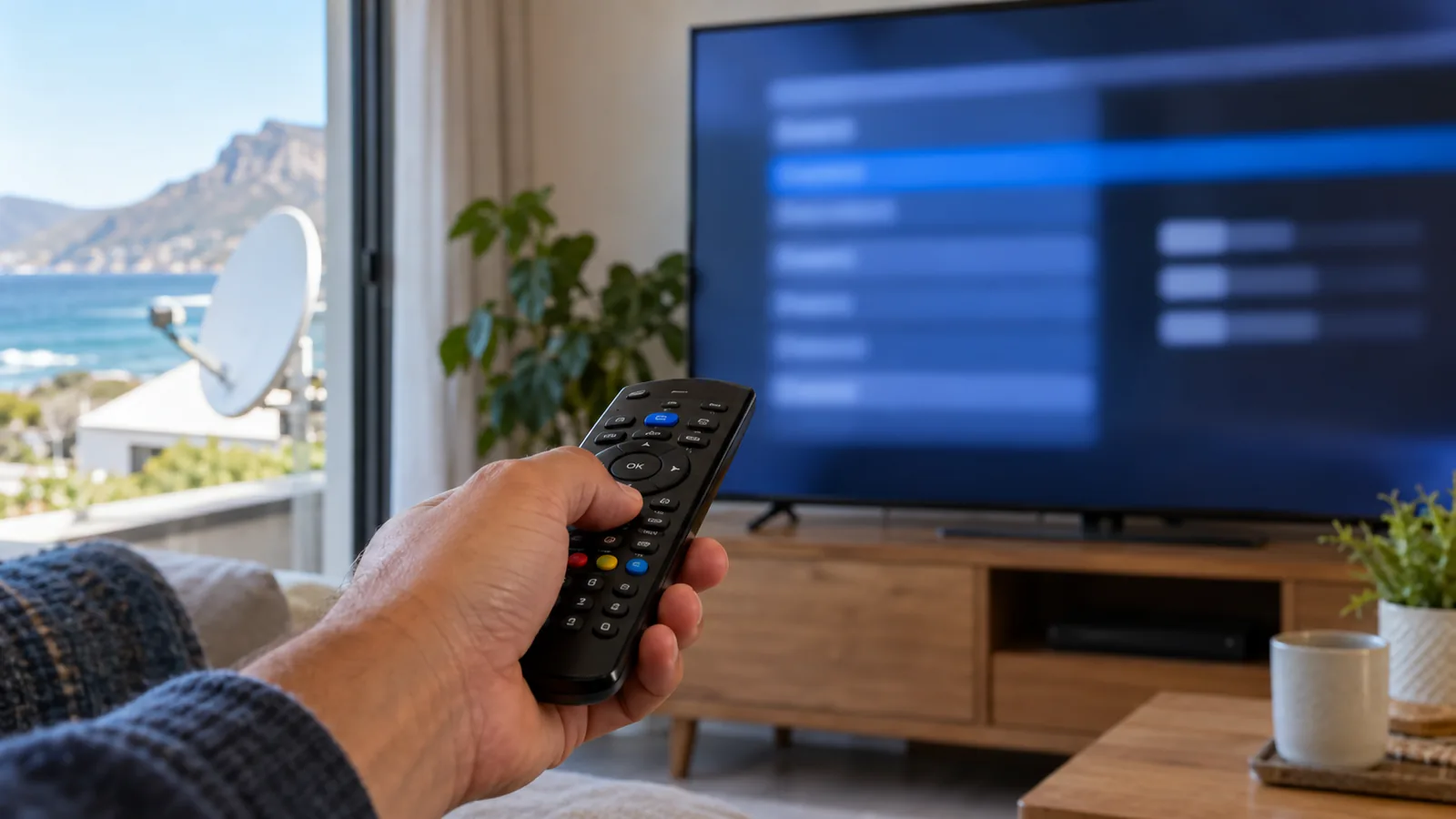
The match is about to start in Kommetjie, and the TV shows a no-signal message. You have restarted the decoder twice. Before you call anyone, there are a few menu checks you can do from the couch, and this is how to set DStv signal manually without climbing a ladder or guessing at numbers. It takes about ten minutes, and you only need the remote.
Quick answer
Here is how to set DStv signal manually: open Menu, go to Settings, then the installation or signal section, confirm the satellite (Intelsat 20 at 68.5E) and the LNB type, run a scan, and read signal quality. If quality stays very low after that, the problem is outside, usually the dish, LNB or cable.
Before You Learn How to Set DStv Signal Manually in Kommetjie
You do not need tools for this guide. Gather these first so you are not hunting for things halfway through.
- The DStv remote with working batteries.
- Your decoder model, printed on a sticker underneath or at the back.
- A note of any error code on screen, such as E48-32.
- Pen and paper to write down your signal readings.
- A quick look outside to see whether the dish still points the same way.
That last check matters here. A strong north-wester in winter or a gusty south-easter in summer can nudge a dish on a low coastal wall just enough to lose the picture. If yours has clearly shifted, skip the menus and book dish realignment in Kommetjie instead.
Good to know
Menu names differ between HD decoders, Explora and Explora Ultra, and they change with software updates. Use the steps below as a map, and check the help pages on dstv.com for your exact model.

How to Set DStv Signal Manually in 6 Easy Steps
Take these one at a time and give the decoder a moment after each change. You are not breaking anything by looking, and a careful manual signal setup is safer than any reset.
- Open the menu. Press Menu on the remote, then choose Settings. On an Explora, you may need to scroll right to find it.
- Find the signal or installation section. Look for words like Installation, Signal Settings or Satellite Settings. Some models ask for a PIN; the default is often in your manual.
- Check the satellite. It should show Intelsat 20, or IS-20, at 68.5 degrees East. This is the satellite DStv uses for South Africa.
- Check the LNB type. It must match what is on your dish. A Smart LNB needs the Smart LNB setting.
- Run a scan or signal test. Choose the option to search or test, and wait for it to finish.
- Read the meters. Note signal strength and signal quality, then exit and test a few channels.
That is the core of how to set DStv signal manually. If channels come back, you are done. If not, the readings you wrote down tell us a lot about where the fault sits.
If the decoder will not even open the menu, or it freezes when you try to save, the box itself may be faulty. Our decoder repair team in Kommetjie can test it.
DStv Signal Settings: What Each One Means
When people search for how to set DStv signal manually, the signal screens are what put them off. They can look technical. Here is what you will see and how much to worry about each one.
| Setting | What it is | Should you change it? |
|---|---|---|
| Satellite | Which satellite the decoder listens to | Only if it is wrong. It should be IS-20, 68.5E |
| LNB type | The kind of LNB on your dish | Yes, if it does not match the hardware |
| Frequency | The channel the decoder tunes to first | No. Leave the default |
| Symbol rate | How data is packed in the signal | No. Leave the default |
| Signal strength | How much signal arrives | Read only |
| Signal quality | How clean and usable the signal is | Read only |
A word on DStv frequency settings
Search online and you will find lists of DStv frequency settings, many from Nigeria, Kenya and other countries. Those numbers do not apply here, because each region uses different settings. Typing a foreign value into a South African decoder can leave you with no channels at all.
Your decoder already holds the right DStv frequency settings for South Africa. If a scan fails on the defaults, the issue is almost always the dish, LNB or cable, not the numbers.
Technician tip
Before changing any DStv signal settings, take a photo of each screen with your phone. If something goes wrong, you can put every value back exactly as it was.
Need DStv help in Kommetjie?
Tell us what you need or what your screen shows. We price the job before we drive out.
Reading Strength vs Quality on a Kommetjie Decoder
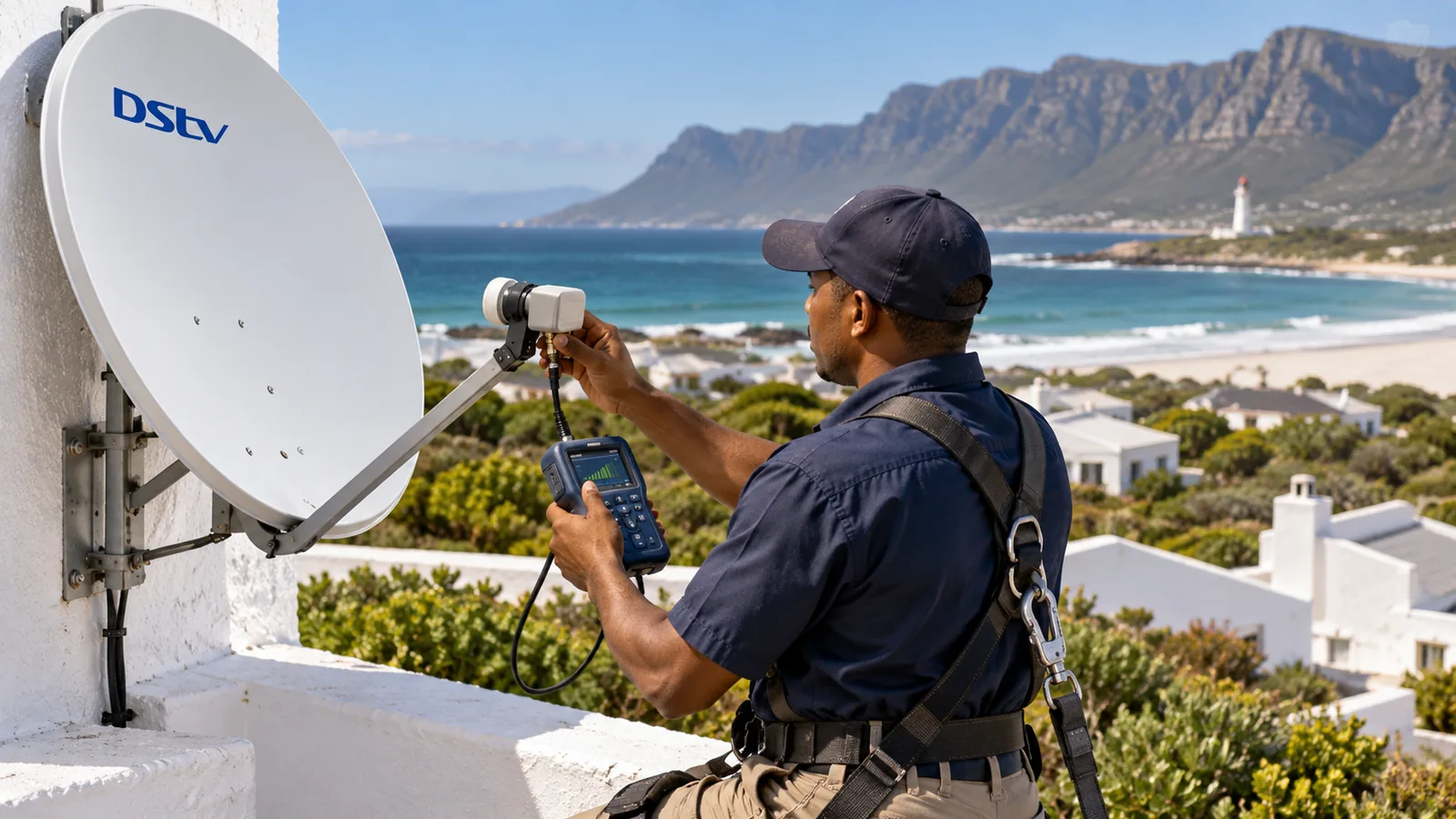
This is where most people get confused. Strength is how loud the signal is. Quality is how clear it is. A decoder can show good strength and still have poor quality, and quality is the one that matters for a stable picture.
- Both readings good: the signal is fine. Look at the account or a channel error instead.
- Strength fine, quality low: the dish is slightly off target or something is in the way.
- Both low or zero: a cable, connector or LNB fault, or the dish has moved a lot.
- Readings jump around: often a loose connector or water in the cable.
In Kommetjie, quality often drops after a stormy week because salt and rain work into the connector at the LNB. Milkwoods and fynbos also grow quickly, and a hedge that was fine last year may now block the line to the satellite in the north-east. Our older post on dish realignment after winter fronts shows how storms shift readings.
Using the DStv Installation Wizard Safely in Kommetjie
The DStv installation wizard is a guided setup that runs on a brand-new decoder or after a reset. It asks for language, country, satellite and LNB type, then scans for channels. You can often start it from the settings menu too.
The wizard is handy for a manual signal setup when you are not sure which settings are wrong, and it is a gentler way of learning how to set DStv signal manually. It walks you through the same choices as the steps above, one screen at a time.
Factory reset risks
Some guides suggest a factory reset straight away. Be careful. A reset wipes your settings, favourites and parental controls, and on an Explora it can affect recordings and series links. It also sends you back into the DStv installation wizard, and if you pick the wrong LNB type there, you end up worse off.
Safety first
If the menus point to a dish problem, do not climb onto the roof or up a ladder in the wind to move it. Coastal gusts make ladder work dangerous, and a dish moved by hand without a meter rarely ends up better.
When How to Set DStv Signal Manually Is Not Enough
The menu can only fix problems inside the decoder. Very often the fault sits outside. These signs point outdoors:
- Signal quality stays near zero after a correct scan.
- The dish looks crooked, or the bracket has rust stains.
- The LNB or connector has white or green salt crust.
- The trouble started after a big storm.
- Every decoder in the house shows E48-32 at once.
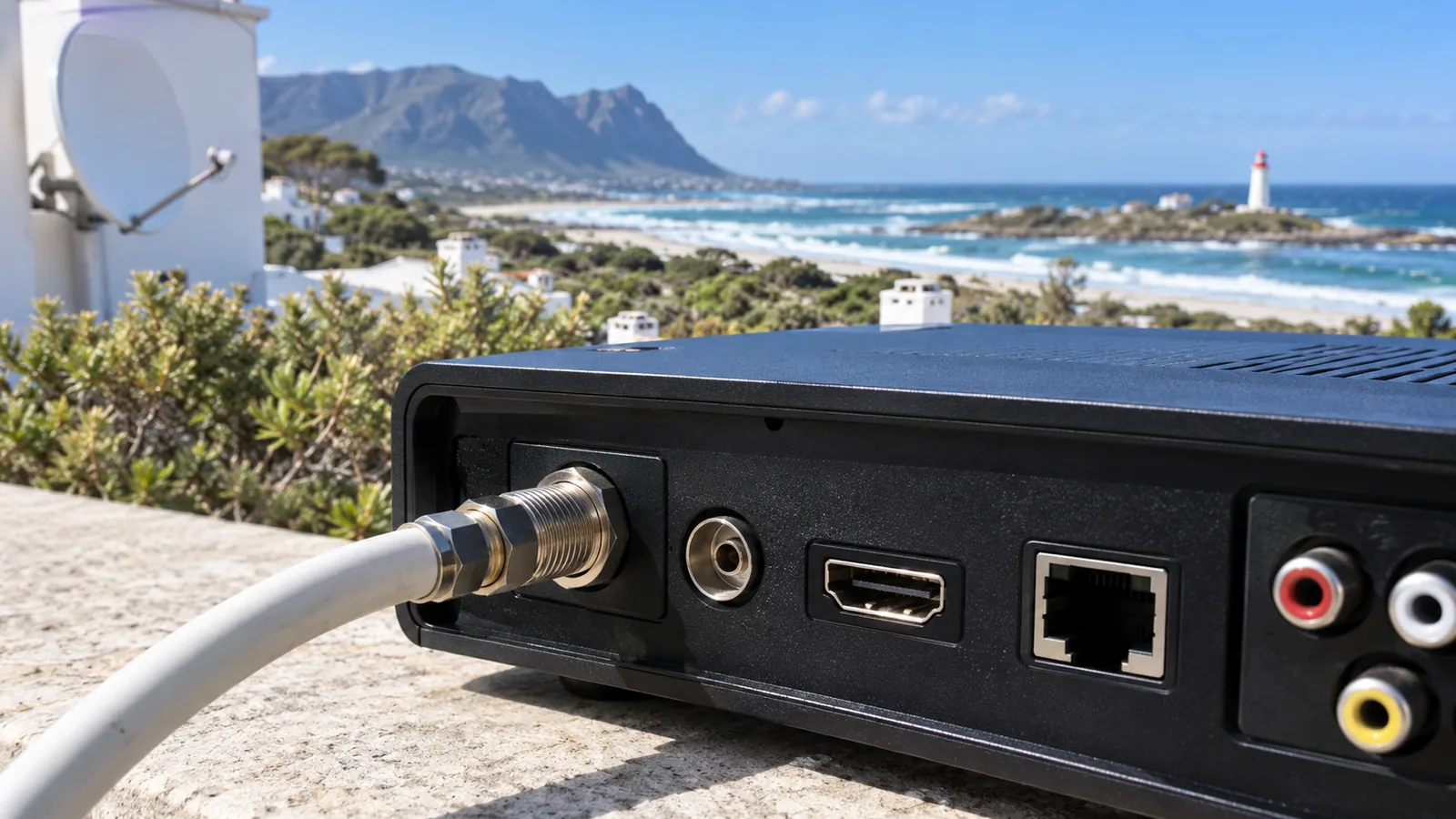
An old or corroded LNB is a common culprit on this coast. Our guide to the DStv LNB in salt-air Kommetjie shows what to look for. If the dish has moved, a technician sets it back on a proper signal meter, which a phone app cannot match for fine tuning.
How to Set DStv Signal Manually After Moving, Pausing or Going Online
A few other situations send people looking for manual setup steps.
- After a reconnection: if your account was paused or lapsed, channels may show E16 even with a perfect signal. Sort the account first; our guide to DStv reconnection in Kommetjie covers it.
- Connecting to WiFi: the internet link on an Explora is separate from the satellite signal. The DStv WiFi connector guide for Kommetjie explains how to set it up.
- Dropping the dish: some holiday homes skip satellite and stream instead. Compare the DStv Stream packages for Kommetjie before you decide.
Whatever the reason, the steps on how to set DStv signal manually stay the same: confirm the satellite, match the LNB, scan, then read quality.
Need a Hand With Your Signal in Kommetjie?
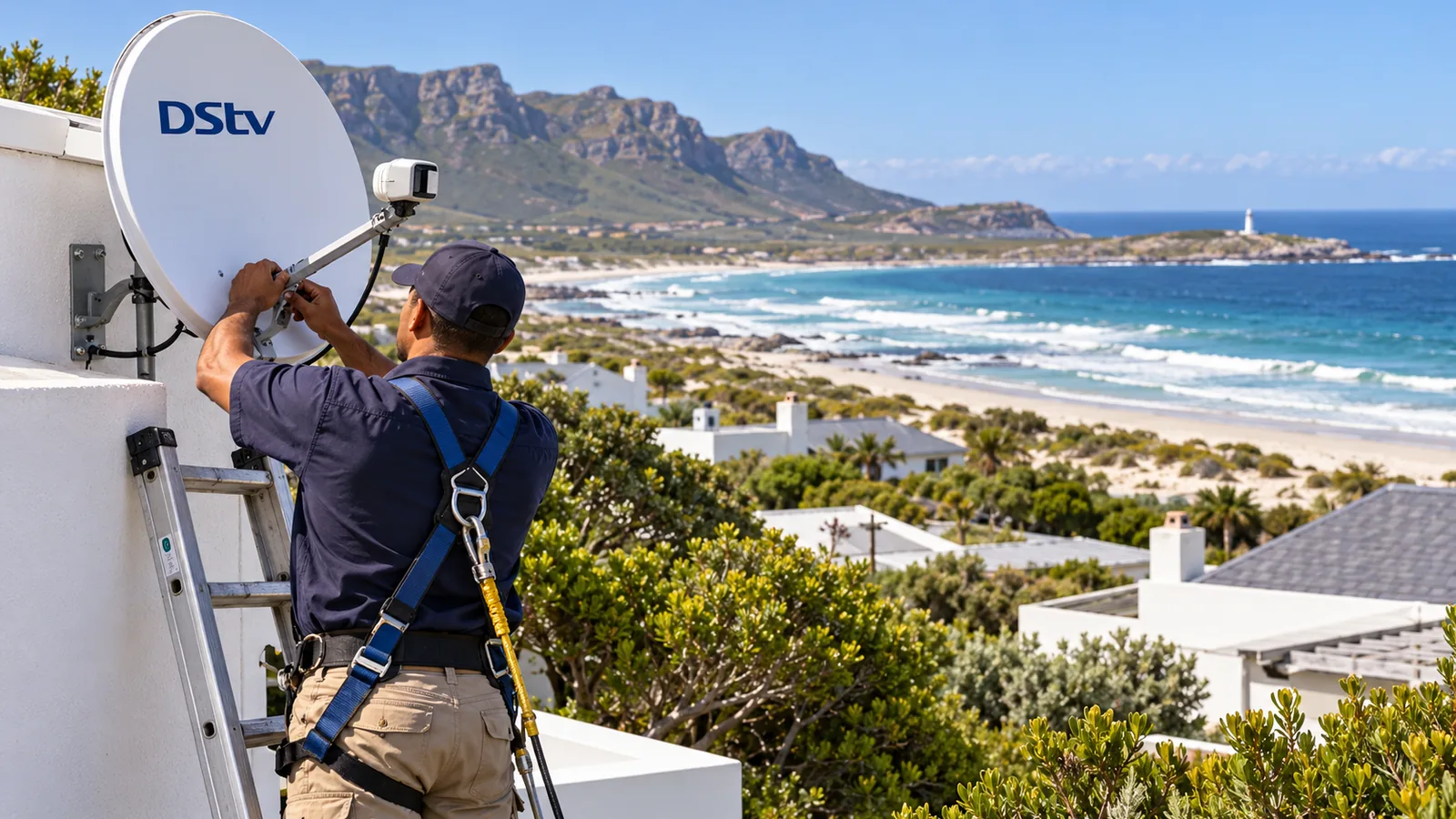
If you have tried every step and the screen is still blank, let our DStv technicians in Kommetjie take over. We work across the village, Long Beach, Klein Slangkop, Imhoff's Gift, Sunnydale and Misty Cliffs, and we quote first. Before we leave, we test the signal with you.
Send us your decoder model and the readings you wrote down through our contact page, and we will tell you what we think is wrong.
how to set DStv signal manually in Kommetjie: FAQs
How to set DStv signal manually in South Africa?
Press Menu, choose Settings and open the installation or signal section. Confirm the satellite is Intelsat 20 at 68.5 degrees East, check the LNB type matches your dish, then run a scan and read signal quality. Leave frequency and symbol rate on the defaults. Menu names vary by decoder, so check dstv.com for your model.
How to set DStv signal manually without a remote?
You cannot do much without a remote, because the signal menus need it. A few decoders have front buttons for power and channels only. The DStv app may offer some controls on newer models. The quickest fix is new batteries or a replacement DStv remote, then follow the manual signal steps from the settings menu.
How do I choose the LNB type to set DStv signal manually?
Choose the setting that matches the LNB on your dish. Explora and Explora Ultra installs use a Smart LNB, so pick Smart LNB. Older single or twin installs use the standard option. If you are not sure, look at the label on the LNB from the ground or ask the installer who fitted it.
Why is my DStv signal quality low in Kommetjie?
In Kommetjie, low quality usually comes from a dish nudged by strong wind, salt corrosion on the LNB connector, water in the cable, or a tree or hedge growing into the line of sight. Heavy rain can also cause a short drop. If quality stays low on dry days, the dish needs realignment on a meter.
How to set DStv signal manually in Kommetjie without losing recordings?
Knowing how to set DStv signal manually saves your recordings, because checking and changing signal settings does not normally delete them. A factory reset is different and can wipe settings, favourites and series links, so avoid it unless a technician advises it. Take photos of each settings screen before you change anything. Our Kommetjie team can help if a setting will not save.