
You open up the beach house, pull the sheet off the couch, let the sea air in and switch on the TV, only to get a blank screen or an error message. After a few months away from Kommetjie, that is normal. A DStv reconnection is usually a ten-minute job from your phone, followed by a quick look at the dish and cables. This is the order we suggest.
Quick answer
For a DStv reconnection, settle the account through the MyDStv app, dstv.com or DStv's WhatsApp self-service, including any reconnection fee shown. Then leave the decoder on a channel for a few minutes. If an E16 error stays, use "Fix errors" to send a fresh signal to the decoder. If there is no signal at all, the dish or cable needs checking.
Your DStv Reconnection Plan for a Kommetjie Holiday Home
Holiday homes and rentals in Kommetjie go quiet for long stretches. The subscription gets paused, a debit order lapses, or the house is let out with the TV switched off at the wall for the whole winter. When you return, two separate things need to work again:
- The account: DStv has to see a paid-up subscription and send a fresh signal to your decoder.
- The hardware: the dish, LNB, cables and decoder have to survive months of salt spray, wind and damp.
Most people only think about the first part. Fixing the account and then finding the dish has been knocked off target by a north-wester is a frustrating way to start a holiday. If you are packing up a rental for good rather than returning, our DStv relocation checklist for Kommetjie is the better read.
Step One: Reconnect DStv From Your Phone
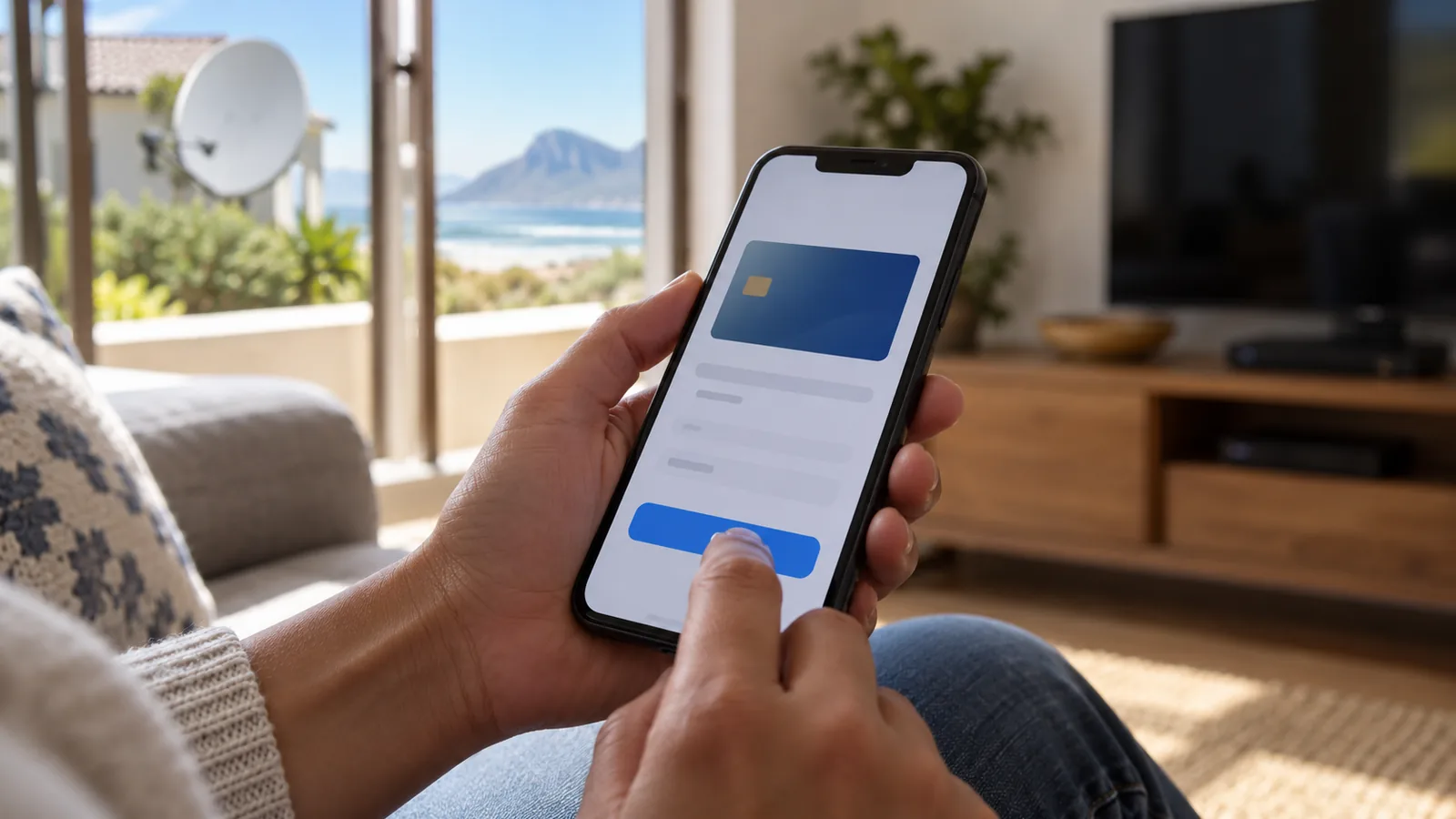
You do not need to phone a call centre or stand in a queue in Fish Hoek. The fastest way to reconnect DStv is online. Have your smartcard number or ID number handy. If your DStv suspended message mentions an unpaid balance, you will see the exact amount once you sign in:
- Open the MyDStv app, or sign in at dstv.com, or start a chat on DStv's WhatsApp self-service line.
- Check the balance due. If your DStv was suspended for non-payment, the amount may include a reconnection fee.
- Pay the full amount shown. Card payments usually reflect quickest.
- Switch the decoder on and leave it on a channel for a few minutes so it can receive its signal.
- If channels do not appear, use the "Fix errors" option in the app or on dstv.com to reactivate the decoder. This resends the signal to your smartcard.
DStv says services reconnect automatically once a payment shows on the account, as long as the full amount, including any reconnection fee, has been paid. Bank deposits and payments at shops can take longer to reflect than a card payment. The details are on the DStv help page on reconnection after payment.
Good to know
Changing your package does not cost anything. The reconnection fee applies when a subscription was disconnected, for example because it was cancelled or went unpaid, and is then switched back on. If you only paused for a season, check the account before you pay so you know what you are paying for.
The DStv Reconnection Fee and What Else You Might Pay
We get asked about the DStv reconnection fee all the time. DStv sets the amount and it can change, so we will not quote a figure here. It shows up as a separate line on your statement. Here is what to expect in the most common Kommetjie situations:
| Your situation | What usually happens | What to check |
|---|---|---|
| Debit order bounced, DStv suspended | Pay the arrears plus any reconnection fee, then wait for the signal | The full balance in the MyDStv app |
| Cancelled before the winter, now back | A DStv reconnection with a fee, and you pick a package again | Which new package suits your visit |
| Simply forgot to pay for a month or two | Usually back on once payment reflects | That the payment shows on the account |
| Paid, but error still on screen | The decoder needs a fresh signal | Send a reactivate decoder request via "Fix errors" |
| Paid, but no signal message | Hardware fault, not an account problem | Dish, LNB, cables and plugs |
If the house also has a free TV decoder in the flatlet, our steps for adding channels on OpenView in Kommetjie will get that one going too. Package prices also changed when DStv restructured its line-up in September 2026. At the time of writing, Starter is R150 a month on a decoder and Premium is R979. Your old package may now have a new name, so check before you pay.
Clearing Error Codes After a DStv Reconnection in Kommetjie
The error on the screen tells you which half of the problem you are dealing with. These are the ones we see most after a DStv reconnection:
- E16 (for example E16-4): the service is not active on this decoder yet. Check the account is paid, then send a reactivate decoder request from the app.
- E48-32: no signal is reaching the decoder. This is a dish, LNB, cable or plug issue, or very heavy rain.
- E30-2: a short loss of signal, usually during a storm. Wait for the weather to pass.
- E51: the decoder cannot read the smartcard. Take it out, wipe the chip gently and put it back the right way round.
- E141-4: the decoder cannot verify a valid paired smartcard. This needs DStv to check the card and decoder pairing.
Need DStv help in Kommetjie?
Tell us what you need or what your screen shows. We price the job before we drive out.
If the screen stays completely dark, with no error and no lights, the decoder itself may be the problem. Power surges after load shedding and damp in a closed-up house are both common causes. Our guide on what to do when a DStv decoder will not turn on walks through the checks.
The Kommetjie Beach House Check: Dish, Cables and Decoder
Salt air is hard on anything metal. A house that sat empty through a Kommetjie winter may have rust on the dish bracket, corrosion on the cable plugs and dust or damp inside the TV cabinet. Run through this list before you blame the account:
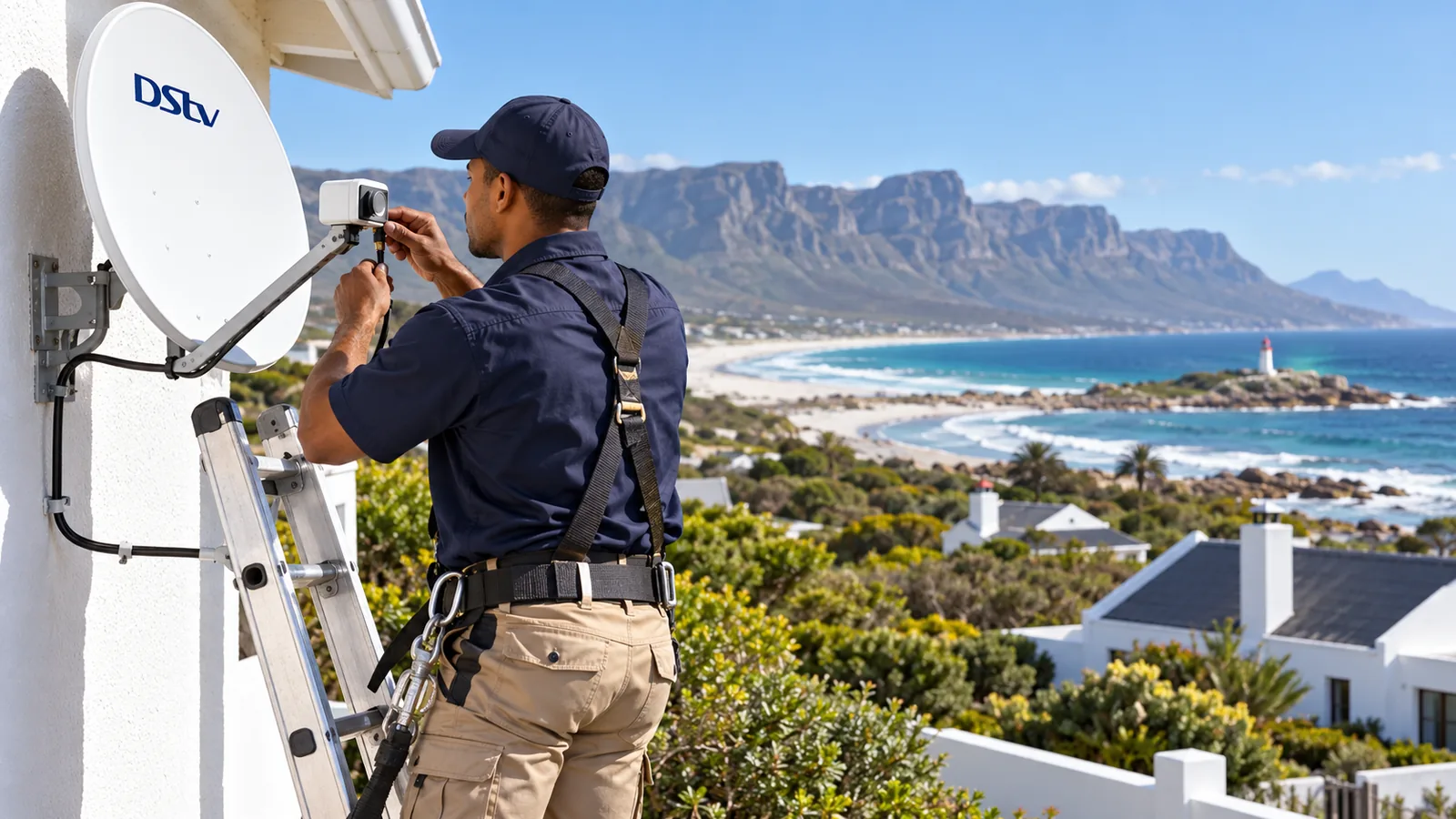
- The dish still points the same way and the arm is not bent or loose.
- No new milkwood branches or a neighbour's extension block the view to the north-east.
- The cable plugs at the dish and the decoder are clean, tight and free of green or white crust.
- The cable is not cracked where it runs along the wall or over the gutter.
- The decoder vents are clear and the box feels dry, not musty.
- The smartcard is clean and sits firmly in its slot.
Water in the cable is a common issue on houses close to Long Beach and the Slangkop lighthouse. We explain the signs in our article on water getting into DStv coaxial cable.
Safety first
Look at the dish from the ground or a window. Please do not climb onto a roof that has been salt-crusted and slippery all winter, and keep well clear of the main power supply if the decoder or TV smells burnt. Unplug at the wall first.
When a DStv Reconnection Needs a Technician in Kommetjie
A paid account and a working dish usually means you are watching TV again within minutes. But some cases need a visit:
- E48-32 stays on screen on a dry, calm day after payment.
- The dish has rusted through, slipped or been damaged by wind.
- The decoder will not power up, keeps restarting or makes clicking sounds.
- You want to add a second TV or move the setup to a different room.
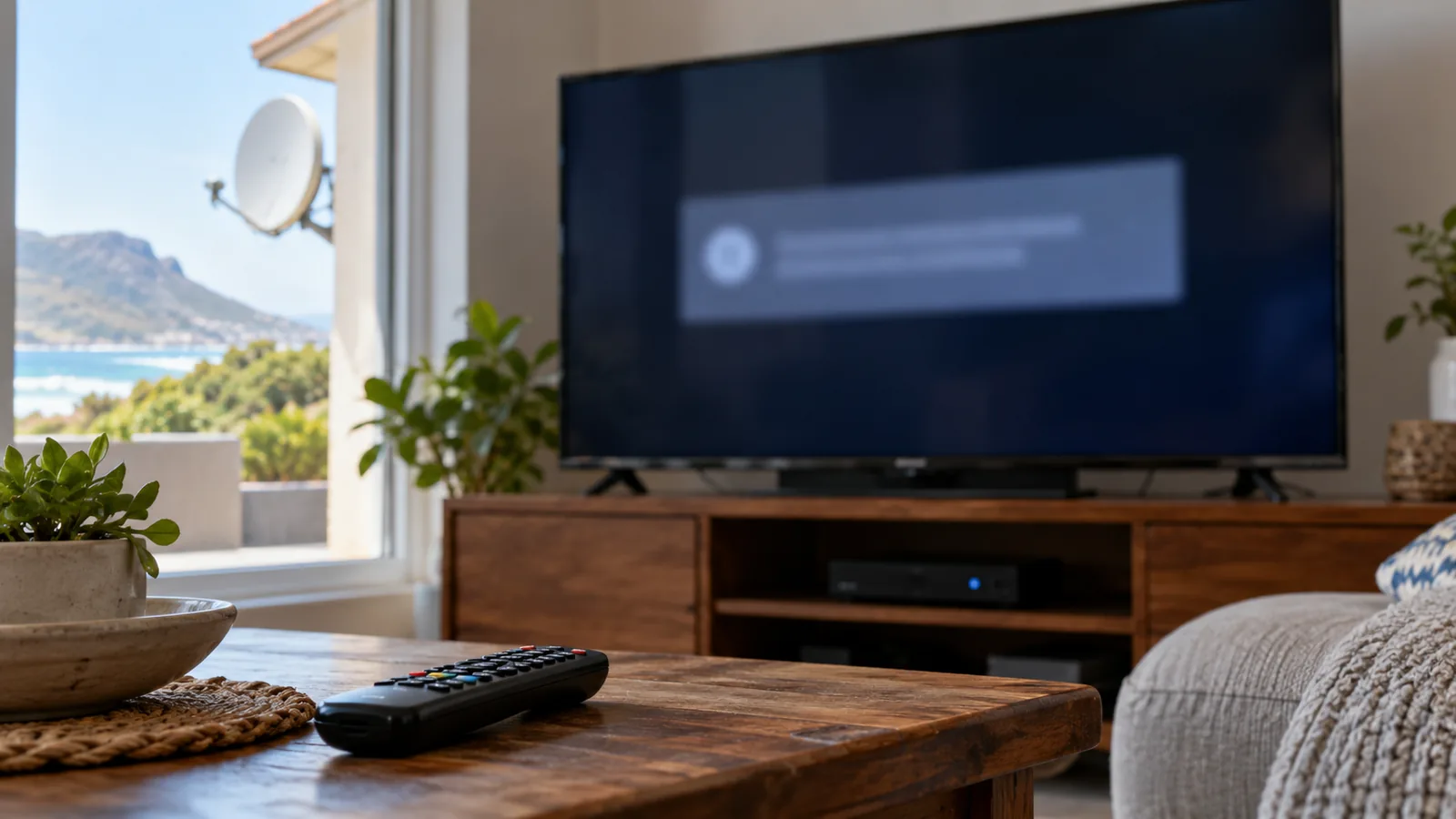
For a dead or misbehaving box, our DStv decoder repairs in Kommetjie include testing the power supply, smartcard reader and connections. If the dish, LNB or cabling is too far gone after years of salt air, a fresh DStv installation in Kommetjie is often the more sensible fix. We install to MultiChoice standards and weatherproof every outdoor plug.
Picking a Package When You Reconnect DStv
A reconnection is a good moment to check that you are paying for the right thing. A family that only visits in December and at Easter may not need the same package as full-time residents in Imhoff's Gift or Klein Slangkop.
- If you only want live TV during visits, a smaller decoder package can be enough.
- If the house has good fibre, streaming may suit you better than paying for satellite all year. Our guide to DStv Stream packages in Kommetjie compares them.
- If you have an Explora, the extras on demand make missed shows easy to watch. See how DStv Catch Up works for Kommetjie homes.
Technician tip
Before you leave at the end of a stay, switch the decoder off at the wall and cover the TV cabinet loosely. A surge protector between the wall and the decoder is a cheap way to protect it during storms and power cuts while nobody is home.
Back on Air in Kommetjie
If your DStv reconnection is done but the picture still will not come back, give us a shout. We cover Kommetjie, Capri, Sunnydale, Ocean View and Misty Cliffs, quote before we drive out and test every TV point with you. Our DStv installers in Kommetjie are usually there the same or next day, depending on the schedule. Book a reconnection check with our team.
DStv reconnection in Kommetjie: FAQs
How long does a DStv reconnection take after payment?
A DStv reconnection is usually automatic once the payment reflects on your account, as long as the full amount, including any reconnection fee, has been paid. Card payments in the MyDStv app tend to reflect fastest. Bank deposits and payments at shops can take longer. Leave the decoder on a channel while you wait.
How much is the DStv reconnection fee?
DStv sets the reconnection fee and it can change, so check the exact amount on your account in the MyDStv app or on dstv.com. It applies when a subscription was disconnected, for example because it was cancelled or unpaid, and then switched back on. Changing packages does not attract a fee.
Why do I still see an error after my DStv reconnection?
After a DStv reconnection, an E16 error usually means the decoder has not yet received its fresh signal. Use the Fix errors option in the app or on dstv.com and leave the decoder on. If you see E48-32 instead, the account is fine but no satellite signal is reaching the decoder, so check the dish and cables.
Can I reconnect DStv at my Kommetjie holiday home without a technician?
Yes, in most cases. Pay through the MyDStv app, dstv.com or WhatsApp self-service, then reactivate the decoder with Fix errors. You only need a technician in Kommetjie if the dish has moved, cables are corroded by salt air, or the decoder will not switch on. A quick look at the dish from the ground helps you decide.
Does DStv reconnection work on the same decoder in Kommetjie?
Yes. A DStv reconnection sends the signal to the decoder already linked to your account, so you can keep using the same box in your Kommetjie home. If you have replaced the decoder or smartcard, update the details on your account first, otherwise you may see an E16 or E141-4 error.
What does it mean when my DStv is suspended?
Suspended means DStv has switched off your service, usually because a payment was missed. The decoder still works but shows an error instead of channels. Pay the outstanding balance, including any reconnection fee, and your services come back once the payment reflects. Then use Fix errors if the screen does not clear.