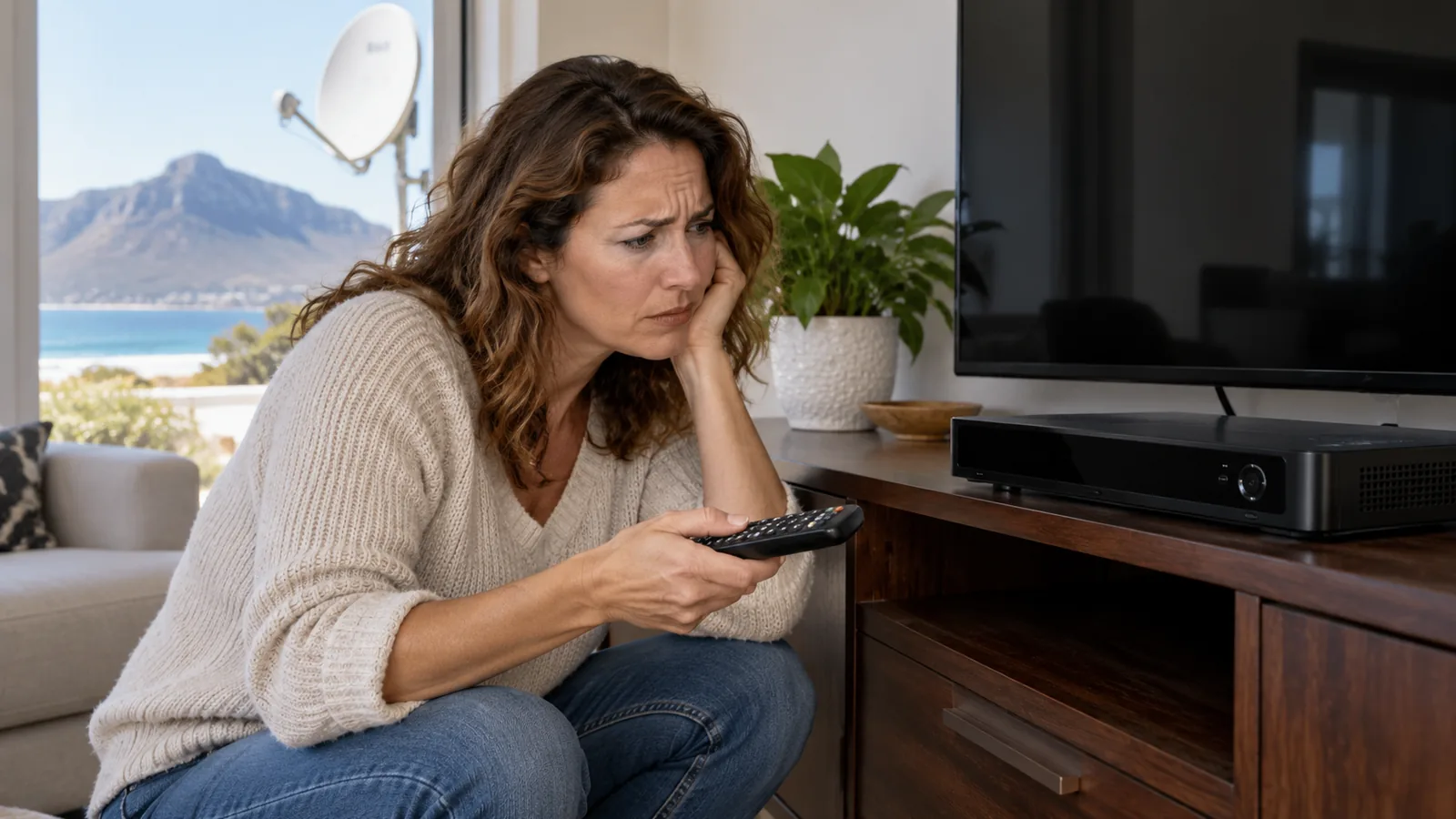
The lights came back after a stage of load shedding, the fridge hummed to life, and the TV woke up. But the decoder just sits there, dark and silent. A DStv decoder not turning on is one of the most common calls we get in Kommetjie, and it is often fixed in a few minutes. Take a breath, grab a torch, and work through the checks below in order.
Quick answer
A DStv decoder not turning on is usually a power problem. Check the wall socket, the plug and the power cable first, then unplug the decoder for a full minute and try again. Swap in a known good power supply if you have one. If there are still no lights after that, the power supply or the decoder board is likely damaged, often by a surge.
First, Do Not Panic: Why a DStv Decoder Is Not Turning On
A decoder needs only one thing to switch on: steady power. When it stays dark, something between the wall and the decoder board has stopped working. In our experience, the cause is usually one of these:
- A tripped plug, switched-off socket or loose multiplug.
- A worn or damaged power cable or adapter.
- A failed decoder power supply after a surge.
- Damage to the decoder board itself, which is less common.
The good news is that the first two are free to fix. Only the last two need a technician or a part, and our decoder repairs service in Kommetjie handles both.
Safety first
Never open a decoder or power adapter. Mains voltage inside can hurt you even after unplugging. If you smell burning, see scorch marks or the plug feels hot, switch off at the wall and leave it alone.
7 Quick Checks for a DStv Decoder Not Turning On in Kommetjie
Work through these in order. In most cases of a DStv decoder not turning on, the box comes back somewhere in the first four steps.
- Test the socket. Plug a lamp or phone charger into the same wall socket. No power there means the problem is the socket, multiplug or circuit breaker.
- Check the trip switch. After storms or load shedding, a single breaker on the DB board can trip on its own. Reset it once only.
- Remove the multiplug. Plug the decoder straight into the wall. Cheap multiplugs and surge strips fail quietly.
- Reseat every cable. Push the power lead firmly into the back of the decoder. Look for kinks, chew marks or a loose fit.
- Do a hard restart. Unplug at the wall, wait 60 seconds, then plug back in and give it two minutes.
- Try another power supply. If a friend or neighbour has the same decoder model, borrow their adapter for a quick test.
- Read the front panel. Any light at all, even red, tells you power is arriving. No light means the supply or board is at fault.
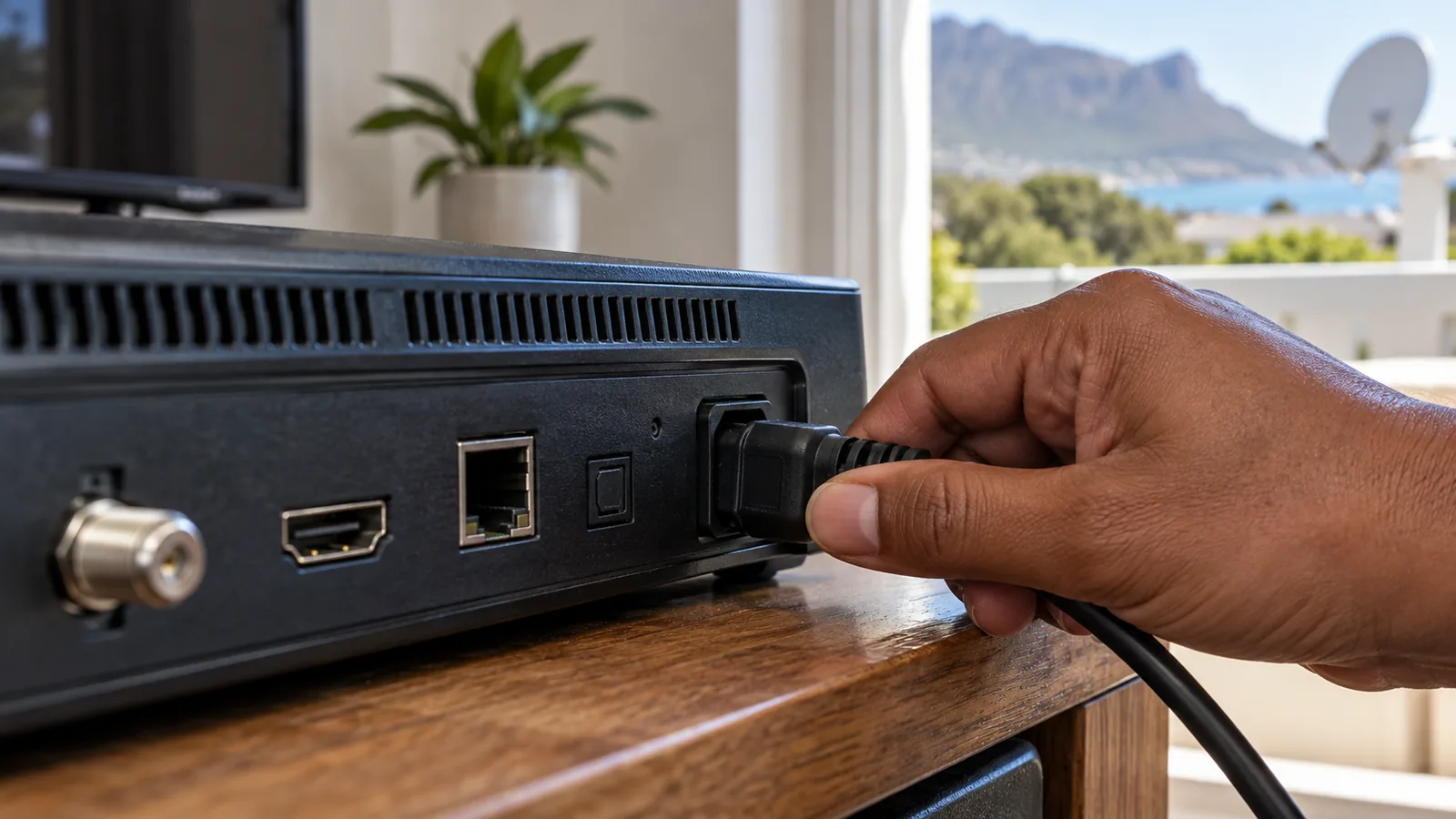
If your decoder now has power but shows no picture, the fault has moved further along. That is usually a signal or setup issue, and our guide on how to set DStv signal manually helps you check your readings.
DStv Decoder Not Turning On? Read the Standby Light
The small light on the front of the decoder is your best clue. Layouts differ between models, so check your manual or the help pages on dstv.com, but this table covers the usual patterns.
| What you see | What it usually means | What to do |
|---|---|---|
| No light at all | No power reaching the decoder | Checks 1 to 6 above |
| Steady red | Decoder is in standby | Press the power button on the remote or the box |
| Red light only, will not wake | Stuck in standby or start-up fault | Hard restart, then call us if it stays |
| Flashing red or blinking on and off | Unstable power or failing supply | Test a different power supply |
| Lights on, blank screen | TV input or signal issue | Check TV source, then signal |
A DStv decoder no power fault looks different: there is no light at all. A red light that never changes is still a sign of life. It often means the remote is not reaching the box, so try the button on the decoder itself before assuming the worst.
Load Shedding, Storms and Power Surge Damage in Kommetjie
Kommetjie sits at the end of a long power line on the Atlantic side of the peninsula. When load shedding ends, or when a winter north-wester brings lightning and lines down, the power often returns with a spike. That power surge is the classic reason for a DStv decoder not turning on the morning after a storm.
Older homes in the village and around Capri sometimes have dated wiring, with no earth leakage on every circuit. Holiday homes left plugged in for months are at extra risk, since nobody is there to switch off when the weather turns. Owners often arrive for the weekend to find a DStv decoder not turning on and a dead router too.
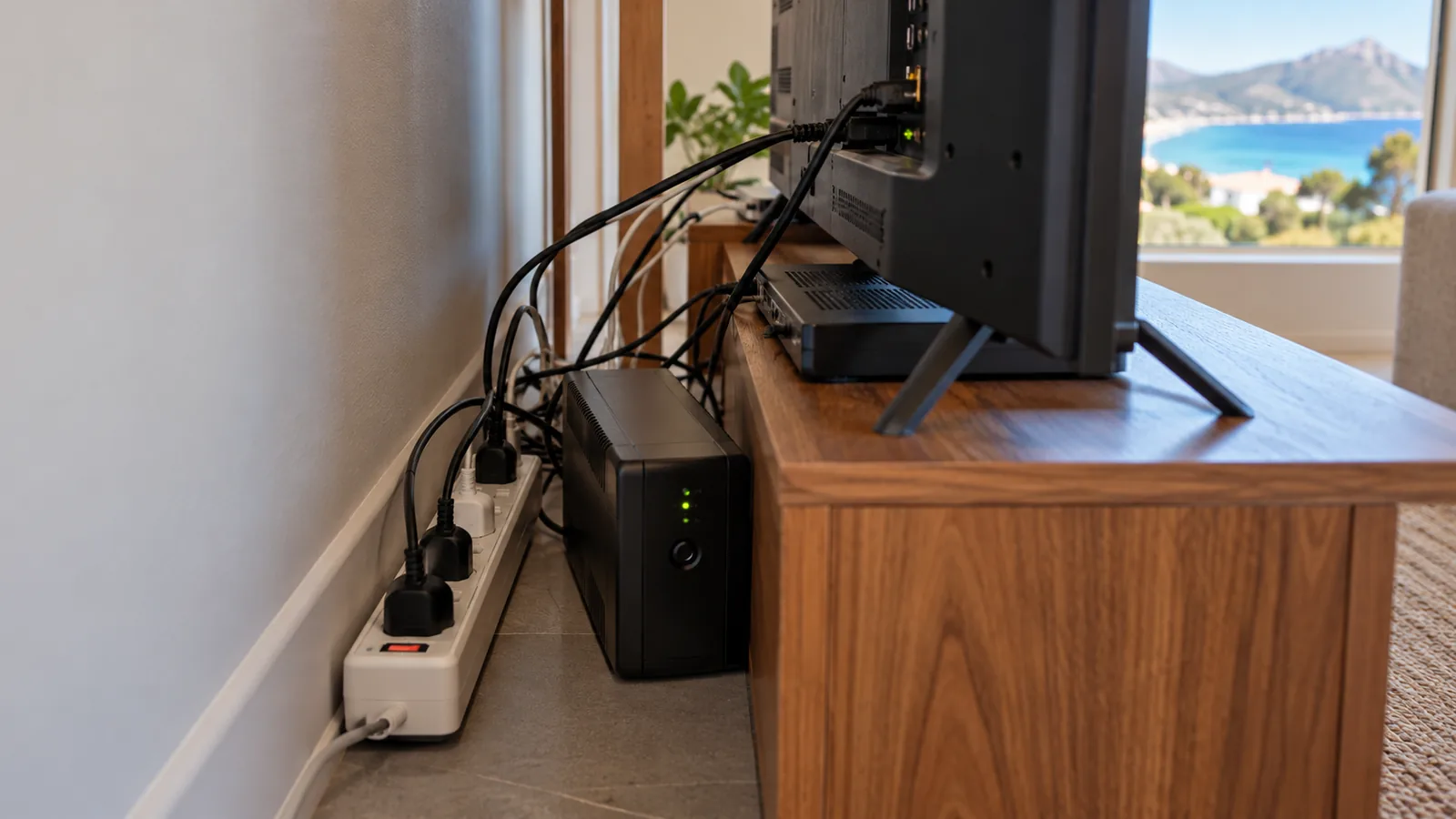
Signs of surge damage
- The decoder died at the same moment the power came back.
- Other electronics, like the router or TV, also misbehave.
- The power adapter feels unusually warm or smells odd.
- The multiplug or surge strip has a burnt mark or a dead light.
Surges do not only hit the power side. A spike can travel up the coaxial cable from the dish too, which is one reason a good earth on the installation matters. Salt-damaged connectors make it worse, as we explain in our post on water in DStv coaxial cable.
Need DStv help in Kommetjie?
Tell us what you need or what your screen shows. We price the job before we drive out.
Testing the Decoder Power Supply in Kommetjie
Many DStv decoders run on an external adapter, like a laptop charger. That adapter is the part most likely to fail, and it is far cheaper than a new decoder. A decoder power supply that has failed often still shows nothing wrong on the outside.
At home, the simplest test is swapping in a known good adapter of exactly the same voltage and plug type. Never use a random adapter from another device, even if the plug fits, because the wrong voltage can finish off the decoder.
In our workshop, a technician tests the adapter with a multimeter under load. If the output is low or jumps around, the decoder power supply is replaced and the decoder usually comes straight back. This is the most common fix we make for a DStv decoder not turning on in Kommetjie.
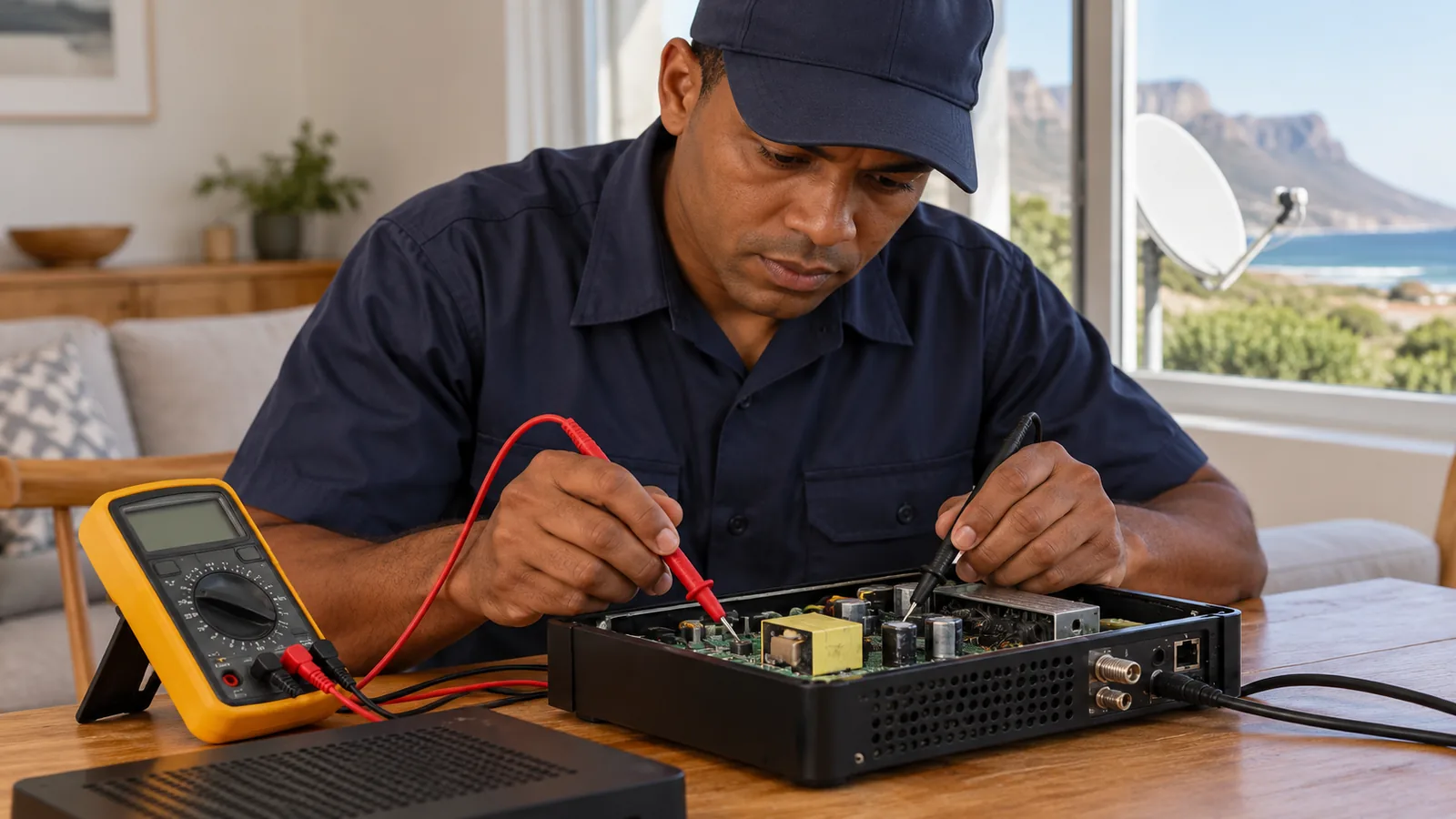
Technician tip
Write the voltage and amp rating from the adapter label on a piece of tape on the back of the TV cabinet. If the adapter ever dies, you will know exactly what replacement to ask for.
Stopping a DStv Decoder Not Turning On After the Next Storm
Once your decoder is working again, protect it. A small spend now saves you from a DStv decoder not turning on next winter, and from a repair bill.
- Plug-in surge protector: a quality unit with a rating on the box, not a basic multiplug.
- UPS or small inverter: keeps the decoder, TV and router running through load shedding and smooths out spikes.
- Switch off when you leave: unplug the decoder before you lock up the holiday house.
- Earthing on the dish: a proper earth reduces the risk of a spike via the cable.
If you also run free channels as a backup, the same surge rules apply to the OpenView box. Our guide on how to add channels on OpenView in Kommetjie helps you get it rescanned after a power cut.
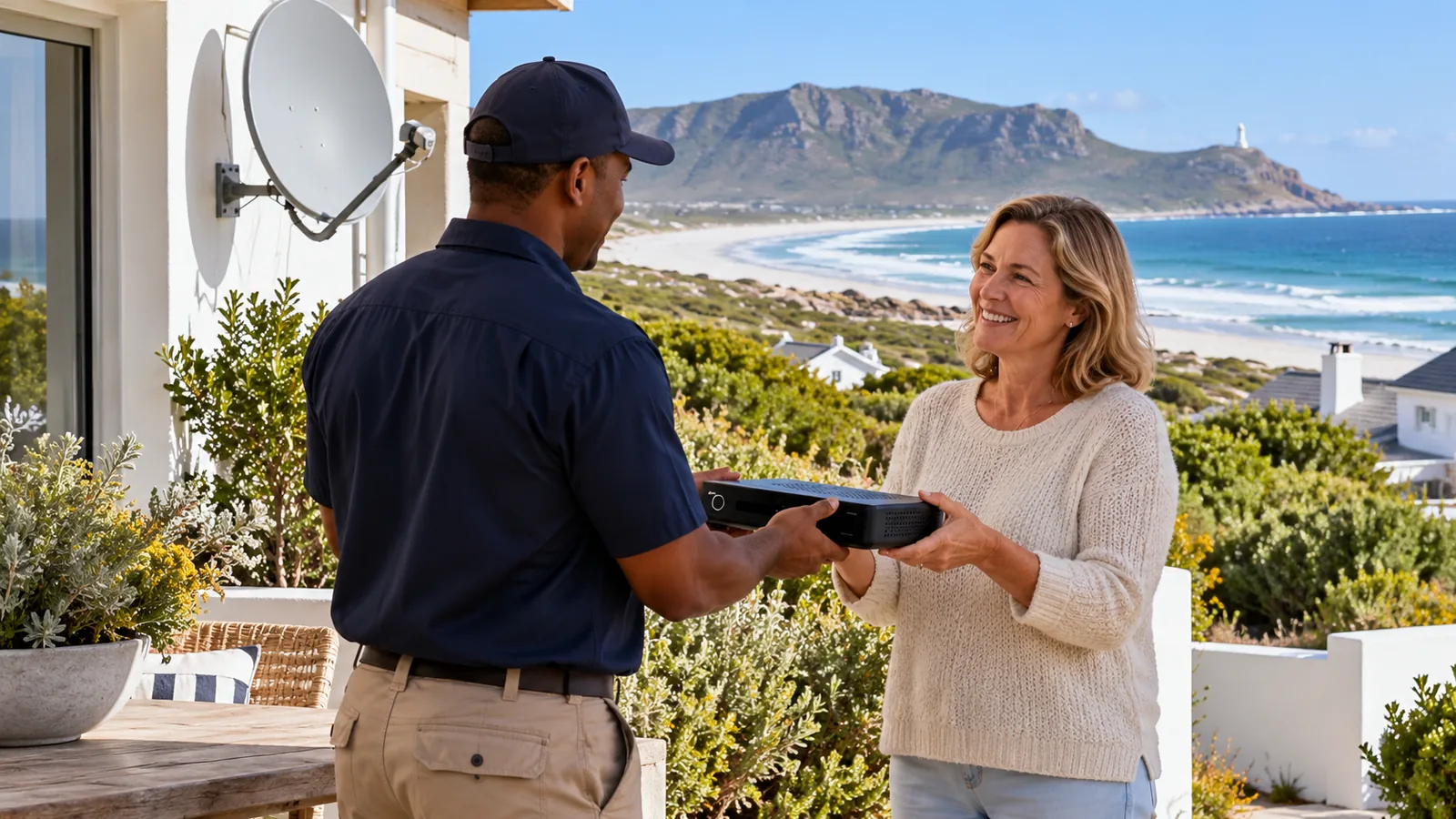
DStv Decoder Not Turning On: Repair or Replace in Kommetjie
When the checks above do not work, it is time for professional decoder repairs in Kommetjie. A DStv decoder not turning on after all seven steps almost always has a hardware fault. We test the unit and give you a straight answer on whether it is worth fixing.
| Situation | Our usual advice |
|---|---|
| Only the power supply has failed | Replace the adapter, keep the decoder |
| Newer decoder with minor board fault | Repair is often worth it |
| Very old decoder after a big surge | Replace, as a new HD decoder may cost less than the repair |
| Explora with a failing hard drive too | Weigh repair against an Explora Ultra upgrade |
For a quick assessment, bring the decoder and its adapter to us or book a home visit. If the decoder needs replacing, we can set up a new one and check the dish while we are there. Sometimes the dish itself is undersized for a modern box, which our article on DStv dish size for Kommetjie homes explains.
A replacement decoder also needs proper setup and signal testing, which forms part of every DStv installation in Kommetjie we do. We cover Long Beach, Klein Slangkop, Imhoff's Gift, Sunnydale and Ocean View.
Still Dark? Let Our Kommetjie Team Take Over
A DStv decoder no power fault that survives every check needs a hands-on test. Our local DStv technicians in Kommetjie diagnose the power supply and decoder, quote first and can often help the same or next day, depending on the schedule.
Tell us your decoder model and what the lights are doing on our contact page, and we will take it from there.
DStv decoder not turning on in Kommetjie: FAQs
Why is my DStv decoder not turning on?
A DStv decoder not turning on usually comes down to power. Common causes are no power at the socket, a loose or damaged cable, a failed power supply or surge damage after load shedding or a storm. Test the socket with a lamp, plug the decoder straight into the wall, and do a hard restart. If there are still no lights, the power supply is the next suspect.
What do I do if my DStv decoder is not turning on after load shedding?
Wait a few minutes for the power to settle, then unplug the decoder at the wall for 60 seconds and plug it back in. Check the trip switch on the DB board. If the decoder stays dark, the power surge when the electricity returned may have damaged the power supply. A technician can test and replace it.
How do I fix a DStv decoder showing a red light only?
A steady red light means the decoder has power but is in standby. Press the power button on the box, not only the remote. If it will not wake, unplug it for a minute and try again. If it still stays on red only, the decoder may have a start-up fault and needs a professional check.
Can a power surge damage a DStv decoder in Kommetjie?
Yes. Power often returns with a spike after load shedding or winter storms, and Kommetjie homes at the end of the line feel it. Surges usually kill the power supply first, which is a cheap fix. A good surge protector or UPS, plus unplugging the decoder when the house is empty, cuts the risk a lot.
Is it worth repairing a DStv decoder not turning on in Kommetjie?
Often, yes. If only the power supply failed, a new adapter brings the decoder back for much less than a new box. For an old decoder with board damage, replacing it can cost less than repairing it. Our Kommetjie technicians test it first and give you a clear repair or replace answer with a quote.