A big north-wester rolls through Kommetjie overnight, and in the morning half of your free channels have vanished. Sound familiar? Learning how to add channels on OpenView takes about five minutes, and most of the time a simple rescan brings everything back. This guide walks you through it, explains why channels disappear on the Atlantic side, and shows when the real problem is up on the wall.
Quick answer
Here is how to add channels on OpenView: press Menu on the remote, open the Installation or Settings section, and run an auto scan (sometimes called Channel Search). Let it finish, then save. If the scan finds nothing, check signal quality first. Zero signal usually means a dish, LNB or cable fault rather than a decoder problem.
Before You Start: Check the Signal on Your OpenView Decoder
Scanning with no signal is like casting a line into an empty rock pool. The OpenView decoder will search, find nothing and you will think the box is broken. So check the signal first. It takes thirty seconds.
- Press Menu on the OpenView remote.
- Look for a Signal, Signal Information or Dish Installation screen. The name changes a little between models.
- Note the two bars: strength and quality.
Quality is the one that counts. Strength tells you how much signal arrives, while quality tells you how clean and usable it is.
If quality shows a healthy reading, go ahead and scan. If it sits at zero or flickers wildly, skip ahead to the dish section below. The same strength and quality idea applies to DStv, and our guide on setting the DStv signal manually in Kommetjie explains the readings in more detail.
Good to know
OpenView has no monthly fee and no contract. Once the decoder is activated, rescanning is free and you can do it as often as you like. You never need to pay anyone just to get your OpenView channels back.
How to Add Channels on OpenView With an Auto Scan in Kommetjie
If you are wondering how to add channels on OpenView without fuss, an auto scan is the answer for almost every home in Kommetjie. The decoder searches the satellite by itself and stores every channel it finds. Grab the remote and follow these steps:
- Switch on the TV and the OpenView decoder, and wait for the picture or the "no channel" message.
- Press Menu on the remote.
- Open Installation, Settings or Channel Search, depending on your model.
- Choose Auto Scan. If a PIN is asked for, use the one you set up when you activated the box.
- Wait while the progress bar runs. Do not press other buttons.
- When it finishes, choose Save, then press Exit and check a few channels.
That is really the whole of how to add channels on OpenView in a normal home, and it works the same on the older SD boxes. The list should fill up again with e.tv, eExtra, eMovies, eToonz, StarLife, the radio stations and the rest of the line-up. OpenView carries more than 20 TV channels plus radio, some of them in HD.
Technician tip
Run the scan on a calm, dry day if you can. A scan done during a heavy squall may miss channels that are only just reaching the dish, and they will look "missing" even after the weather clears.
How to add channels on OpenView without the remote
This is one of the most searched versions of the question, and the honest answer is that you mostly can't. The front of an OpenView decoder has very few buttons, and none of them open the scan menu on most models.
A lost remote is common in busy rental homes. A replacement OpenView remote or a compatible universal remote from an electronics shop solves it. Once it is paired, the steps above work as normal.
Storm season is when most of these calls come in. Our older post on TV signal loss during Cape storms explains what the weather does to satellite reception on this coast.
Auto Scan vs Manual Scan: Which OpenView Channel Scan to Use
Most decoders give you two kinds of OpenView channel scan. Here is the difference in plain terms:
| Scan type | What it does | Who should use it |
|---|---|---|
| Auto scan | Searches the whole satellite and saves every channel it finds | Everyone, first time and every time |
| Manual scan | Searches one specific frequency you type in | Technicians, or when OpenView announces a change |
| Factory reset plus scan | Wipes all settings, then starts fresh | Last resort when the menus are a muddle |
For a homeowner, an auto scan is the right answer nine times out of ten. A manual scan is useful when OpenView moves a channel and tells viewers the new details. A factory reset clears favourites and settings too, so try a normal scan first.
Why OpenView Channels Go Missing in Kommetjie
Living right on the Atlantic is lovely, but it is hard on outdoor equipment. These are the reasons we see most often when OpenView channels disappear around Kommetjie, Capri and Sunnydale:
- Winter storms: strong north-westers can nudge the dish a few millimetres, which is enough to lose the satellite.
- Heavy rain: thick cloud can cause rain fade, a short loss of signal that comes back once the downpour passes.
- Software updates: after an update, some decoders lose their channel list and simply need a fresh scan.
- Salt on connectors: sea mist creeps into loose plugs on the cable and the signal slowly weakens.
- Moving the decoder: a box taken to a flatlet or another house may be pointing at a different dish setup.
Need DStv help in Kommetjie?
Tell us what you need or what your screen shows. We price the job before we drive out.
If the channels went missing straight after an update, a rescan nearly always fixes it. If they faded out gradually over weeks, suspect the outdoor kit instead.
How to Add Channels on OpenView When the Dish Is the Problem
Sometimes the decoder is fine and the fault is outside. The signal quality test tells the story. A zero reading in fine weather points to the dish, the LNB or the cable.
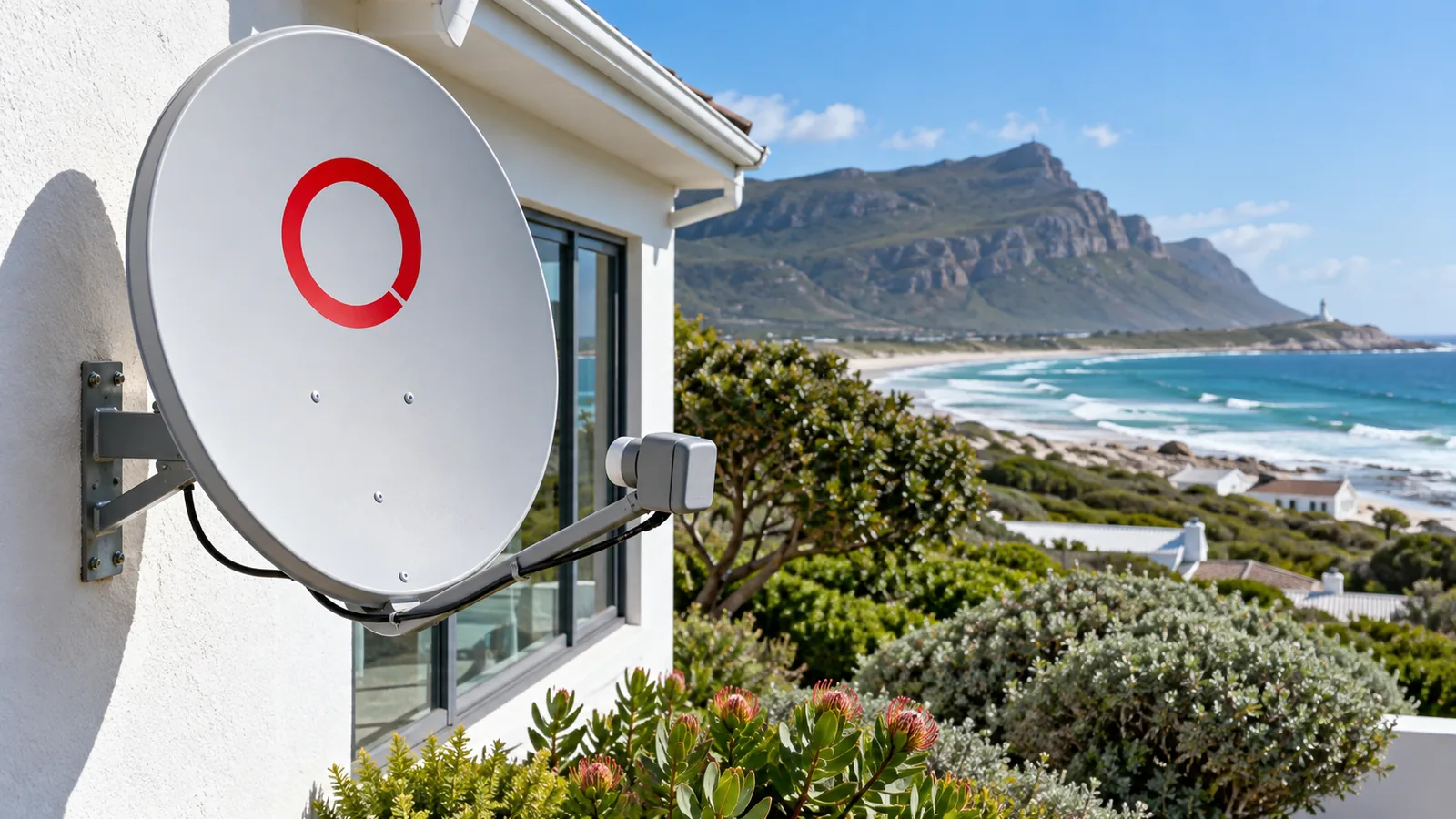
Signs the dish needs attention
- Signal quality at zero, even on a still, sunny day.
- The dish looks tilted, or the arm has rust stains at the bolts.
- Cable plugs are green or white with corrosion.
- Channels dropped after building work or a new tree grew in the way.
The LNB is the small unit on the arm that collects the signal, and salt air shortens its life here. Our explainer on the DStv LNB for Kommetjie homes covers how it fails and what a swap involves. If the dish has slipped, our dish realignment service in Kommetjie puts it back on target with a proper signal meter.
Safety first
Please do not climb onto a roof or lean off a ladder to wiggle the dish, especially when the south-easter is pumping. Roof sheeting can be slippery with sea mist, and a dish can catch the wind like a sail.
How to Add Channels on OpenView After a Move or Long Break
Holiday homes in Klein Slangkop, Imhoff's Gift and along Long Beach often sit empty for months. When you come back, the routine is a little longer than a simple scan:
- Plug the decoder in and give it a few minutes to load any updates.
- Check that the decoder is still activated. Activation happens online at openview.co.za, via WhatsApp or the OpenView app.
- Check the signal quality screen before anything else.
- Run the auto scan and save.
The same routine is how to add channels on OpenView after taking a decoder to a new house. If that new place already has a DStv dish, you may be able to reuse it, because OpenView comes from the same satellite position. Our article on choosing the right dish size in Kommetjie explains what works best on this windy stretch of coast.
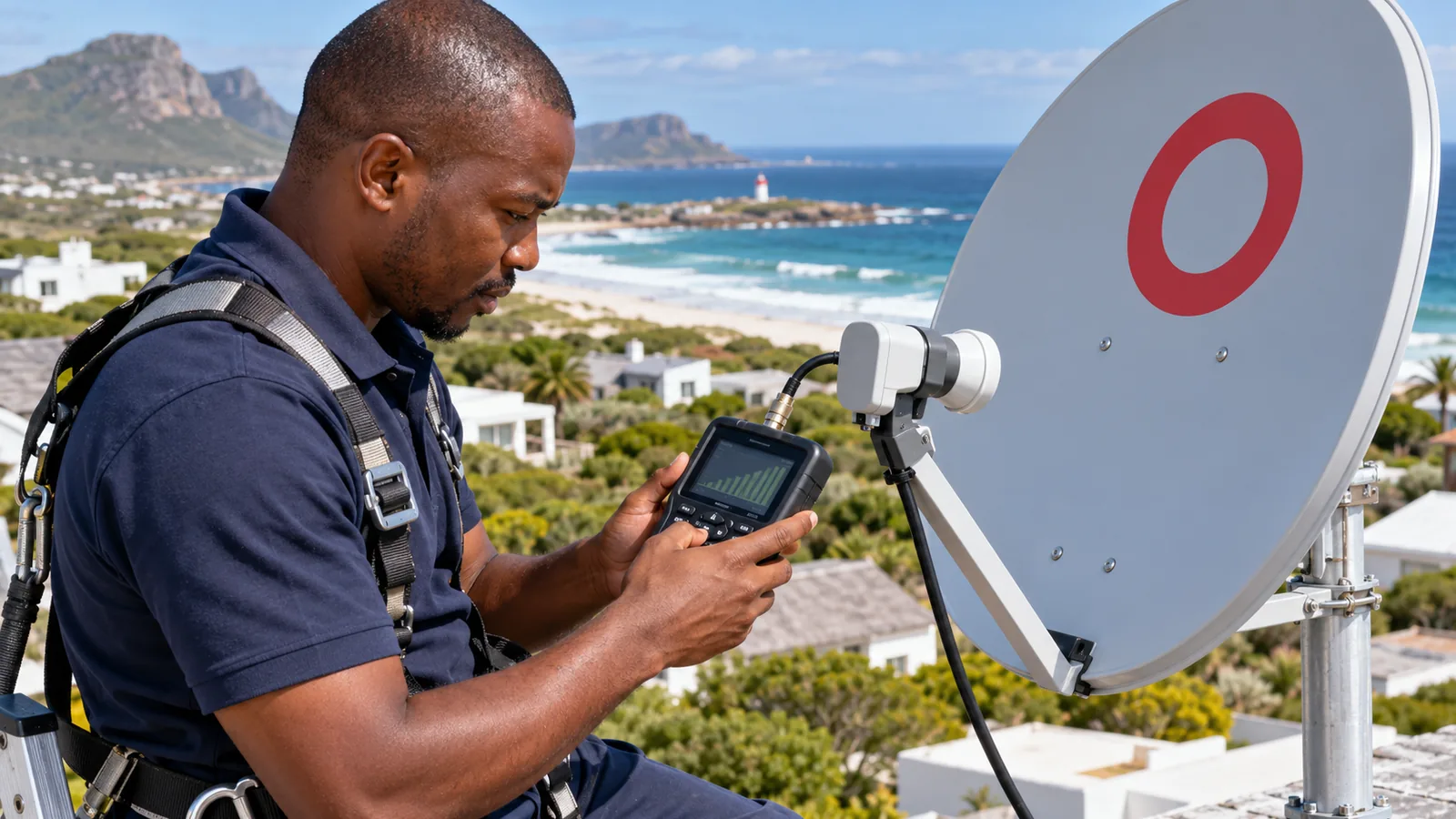
OpenView in Kommetjie: Free TV That Still Needs Good Hardware
OpenView is popular here for good reason. There is no monthly bill, which suits holiday lets, granny flats and families who mainly watch local channels. It is not the same as DStv, though. You get a smaller line-up on a separate decoder, and no subscription.
The hardware still has to cope with the coast. The usual dish size recommended for OpenView is about 80 to 85cm. A decoder with an installation voucher costs around R1,699 at the time of writing, and the decoder alone is listed at R799 on the OpenView help and FAQ pages, with specials from about R599 in some shops. Compare on the day.
If you are weighing free TV against coming back to a paid package, our guide to DStv reconnection in Kommetjie covers getting a paused account working again. For new setups, knowing how to add channels on OpenView is only half the job, and our OpenView HD installation in Kommetjie includes the dish, cabling, activation help and a full channel scan.

Need a Hand With Your OpenView in Kommetjie?
If you have rescanned twice and the screen still says no channel, it is time for a technician with a meter. We cover Kommetjie, Ocean View, Misty Cliffs and Scarborough, and quote before we drive out. Our TV and DStv installers in Kommetjie are usually out the same or next day, depending on the schedule. Send us a message to book a visit.
how to add channels on OpenView in Kommetjie: FAQs
How to add channels on OpenView without a remote?
Without a remote you cannot reach the scan menu on most OpenView decoders, because they have few or no menu buttons on the front. The quickest fix is a replacement OpenView remote from an electronics shop. Some universal remotes work too. Once you have one, press Menu, open Installation or Settings and run an auto scan.
How do I add channels on my OpenView HD decoder?
On an OpenView HD decoder, press Menu, go to Installation or Channel Search and choose Auto Scan. Wait for the scan to finish, then save. This is the standard method of how to add channels on OpenView for all current models. Check signal quality first, because a scan with zero signal will not find anything.
Why does my OpenView say no channel?
No channel usually means the decoder has lost its channel list or is getting no usable signal. Try an auto scan first. If the scan finds nothing, look at the signal quality screen. A zero reading points to a moved dish, a faulty LNB or a corroded cable plug, which is common near the sea.
Can I add more channels on OpenView in Kommetjie?
You can only add the channels OpenView broadcasts, which is just over 20 TV channels plus radio. In Kommetjie, a rescan brings back any that went missing after an update or storm. There are no paid add-ons. If you want sport and premium series, you would need a DStv package instead.
How to add channels on OpenView in Kommetjie after a storm?
Wait for the weather to settle, then check signal quality and run an auto scan. If channels return, you are done. If not, the storm may have moved the dish. Otherwise, only rescan when something changes. Rescan after an update, after a long break at a holiday home, or when OpenView announces new channels. There is no need to scan every week.
Does learning how to add channels on OpenView fix a bad signal?
No. Knowing how to add channels on OpenView helps when the decoder has lost its list, but a scan cannot create a signal that is not there. If signal quality is low or zero, the dish, LNB or cable needs checking. A technician with a meter can realign the dish or replace a worn LNB.