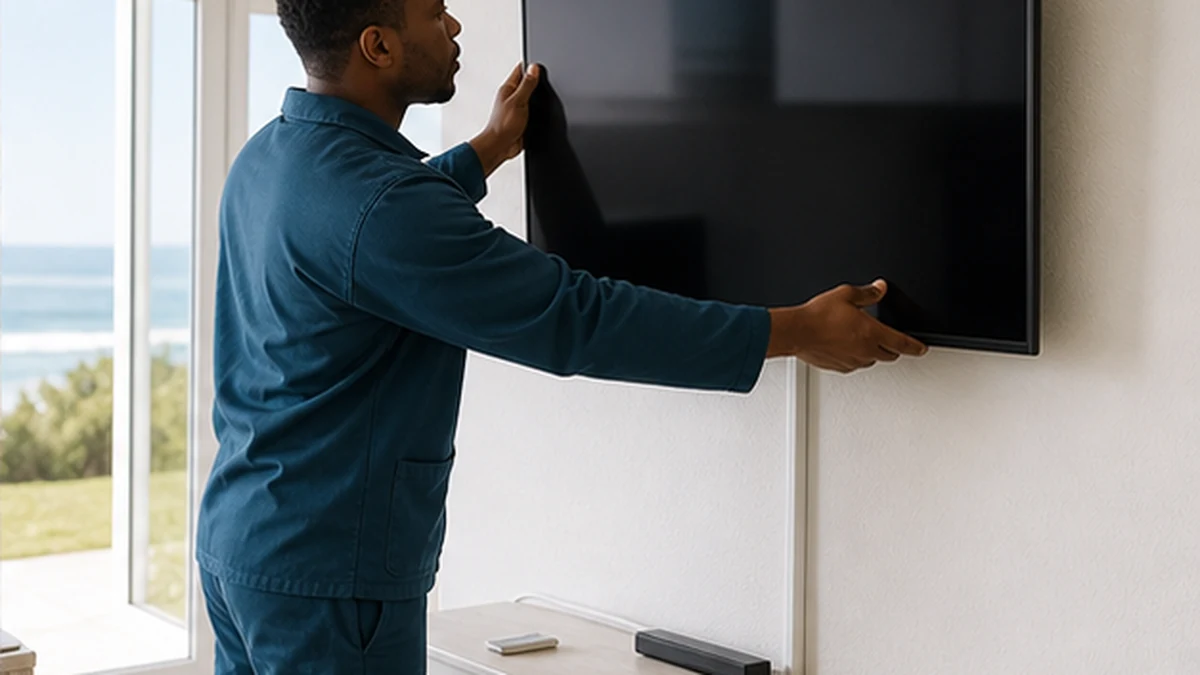
Plan secure TV wall mounting, bracket choice and cable concealment for a coastal Kommetjie home.
A well-mounted television should feel like part of the room, not a heavy object balanced above it. The bracket, wall structure, viewing height and cable plan all need to agree before drilling begins. Coastal homes add practical questions about damp walls, open-plan glare and equipment placed near sea air. This guide helps Kommetjie homeowners plan the job and understand where a qualified trade may be needed.
Start with the wall, not the screen centre
Brick, concrete, timber framing and lightweight board do not take the same fixings. A surface can look solid while concealing a cavity, plumbing or electrical cable. The installer should identify the supporting structure and match approved fixings to the wall and bracket load. Decorative cladding needs special care because it may not carry the television itself.
The television size and VESA mounting pattern must suit the bracket. Confirm the bracket rating and whether it is fixed, tilting or articulated. A full-motion arm creates greater leverage when extended, so it needs a particularly sound fixing point. Our TV wall mounting service covers assessment, levelling and equipment connection.
Viewing height and glare in Kommetjie lounges
Plan from the normal seating position. The middle of the screen should not force viewers to hold their heads at an uncomfortable angle. Fireplaces, high media units and open-plan sight lines can push a screen upward, but the visual symmetry of a wall should not override comfort. Mark the proposed outline with removable tape and watch from the sofa before drilling.
Strong afternoon light can create glare in west-facing rooms near Long Beach or Old Kom. A tilting or articulated bracket may help, but curtains and screen finish also matter. Check how doors, windows and passageways interact with an extended arm. The safest position is one that remains practical when the room is busy.
Cable concealment in coastal homes
Plan power, HDMI, satellite, aerial and network leads before mounting. Low-voltage cables can often run in neat surface trunking or a suitable conduit. Mains power should not be extended casually behind a television. Any new socket or fixed electrical change belongs with an appropriately qualified electrician and must follow applicable requirements.
Avoid sealing satellite joins inside an inaccessible damp cavity. A hidden connection that corrodes is difficult to diagnose. The guide to water in DStv coaxial cable explains why serviceable, weather-protected terminations matter. Leave enough slack for safe connection, but not a loose coil visible below the screen.
Connecting DStv, streaming and sound equipment
Decide where the decoder, streaming box and soundbar will sit. Each device needs ventilation, power and access to its remote or control method. Long HDMI routes have practical limits and should be chosen for the required format and distance. Label inputs during setup so guests and family members can switch sources without pulling cables.
If satellite viewing is being added at the same time, coordinate with a DStv installation so the cable emerges in the right place. Weak wireless reception at the finished screen position may need WiFi network setup, not a longer loose lead across the floor.
A practical Kommetjie wall-mounting handover
Before the installer leaves, check the screen is level, stable and clear of the wall when it tilts or swings. Confirm all agreed inputs, picture and sound. Make sure cables do not pull tight at full bracket extension. Ask how to remove the screen safely for future servicing, and keep the bracket instructions and spare hardware.
For holiday homes, create a simple source list that says which input belongs to DStv, streaming or an aerial. Avoid fastening the remote to furniture or blocking the television's receiver. A guest-ready arrangement is covered further in the holiday rental entertainment checklist.
Measure the full installation, including the television and cable route. Check space for ventilation, the depth of plugs behind the screen and the reach of every lead when the bracket moves. A right-angle connector may help in a shallow gap, but it still has to suit the signal and device. Keep the lower edge clear of furniture that could strike the screen. In homes used by children or guests, avoid loose furniture below the television that invites climbing. The wall mount does not secure the media unit, soundbar or other accessories. Each item needs its own stable position and cable plan.
Think about future access before choosing a perfectly flush finish. Televisions are replaced, HDMI standards change and decoders need servicing. A conduit with a draw wire can be more useful than a permanently buried lead, provided the route is suitable. Photograph the wall before it is closed during renovations. Mark the positions of framing, conduits and services on the owner record. Future installers can then avoid unnecessary holes and make safer decisions without relying on memory.
Frequently asked questions in Kommetjie
Can any wall hold a television?
No. The supporting structure, fixings, bracket and screen weight must be assessed together. Decorative board or cladding alone may not be suitable.
Can TV cables be hidden inside a Kommetjie wall?
Sometimes. The cavity must be suitable and the cable types must be appropriate. Electrical changes should be completed by the correct qualified trade.
Is a full-motion bracket better than a fixed bracket?
It depends on viewing needs and wall strength. Full-motion arms offer flexibility but place more leverage on the fixing point.
Should the decoder be hidden behind the screen?
Only if it has ventilation, safe cable access and a workable control method. Heat and inaccessible connections can create avoidable faults.