Your Explora sits under the TV in Kommetjie, the fibre router lives in the passage, and the two never talk. That gap is exactly what a DStv WiFi connector closes. It is a small adapter that lets the Explora join your home WiFi, so Catch Up, BoxOffice and series recording start working properly. Below: how it works, the cost, and when a cable or Explora Ultra is smarter.
Quick answer
A DStv WiFi connector is a once-off adapter, at the time of writing roughly R199 to R299 in shops, that links an Explora to your router over WiFi. It plugs into the decoder by USB and network cable. The Explora Ultra has WiFi built in and does not need one. If the router is in the same room, a network cable is more stable.
What a DStv WiFi Connector Actually Does in a Kommetjie Home
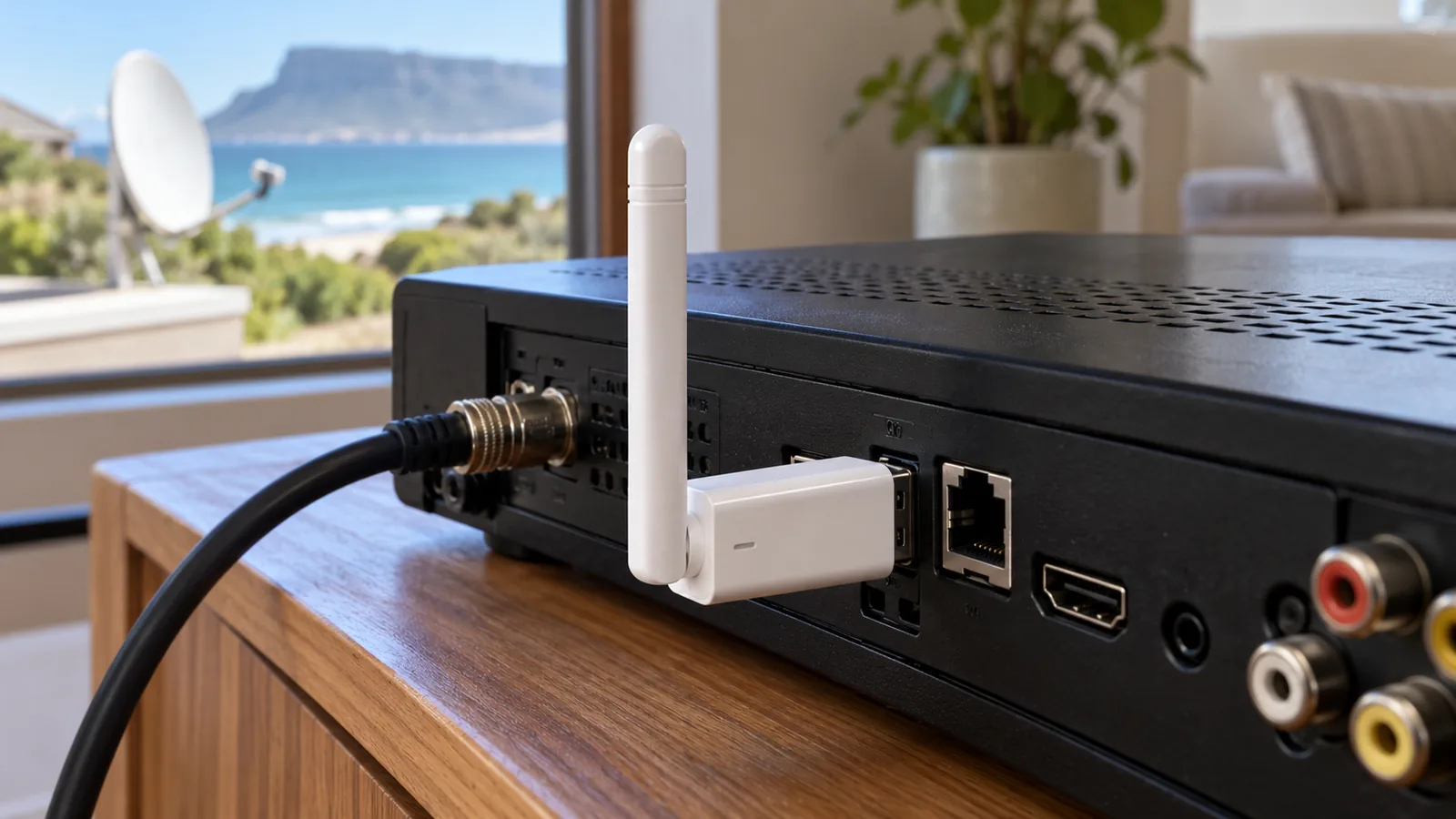
The original Explora was built with a network port but no WiFi radio. Out of the box it can only go online through a cable. The connector acts as a bridge: it picks up your WiFi signal and hands it to the Explora through a short network lead, while drawing power from one of the decoder's USB ports.
Once the Explora is online, it can pull down extra Catch Up shows, stream BoxOffice rentals and let you set recordings from your phone. Without that link, the box still shows live TV from the dish, but you only get the small amount of Catch Up that arrives by satellite.
Good to know
The connector does not replace your dish. Live channels still come from the satellite. The internet link only adds the on-demand extras, so a storm that knocks out the dish signal will still interrupt live TV.
Which Decoders Need a DStv WiFi Connector
Not every box needs one, and buying the wrong add-on is a common waste of money. Use this quick list before you head to the shops:
- Explora (older and 3B models): no built-in WiFi, so you need either a network cable or a DStv WiFi connector.
- Explora Ultra: WiFi is built in, so skip the connector and join your network from the settings menu.
- HD Single View decoder: it is not designed for internet Catch Up, so a connector will not add those features.
- Streama: it is a streaming box that runs entirely on your home internet, with no dish at all.
If you are weighing up an upgrade anyway, our team handles Explora and Explora Ultra installation in Kommetjie, including the Smart LNB both models need.
Connector, Cable or Explora Ultra: Getting Online in Kommetjie
There are three ways to connect Explora to internet in a typical Kommetjie house. Each one suits a different layout, so look at where your router and TV actually sit before you spend anything.
| Option | Best for | Main upside | Main catch |
|---|---|---|---|
| Network cable | Router in the same room as the TV | Most stable link, no WiFi drop-outs | A visible cable unless it is routed neatly |
| DStv WiFi connector | Router in another room | No new cabling through walls | Only as good as the WiFi reaching the lounge |
| Explora Ultra built-in WiFi | Anyone upgrading the decoder | One less gadget behind the TV | Costs more than adding a connector |
| Mesh point plus cable | Thick walls or long, rambling houses | Strong signal right at the TV cabinet | Needs a mesh system on your fibre line |
DStv itself calls the cable the most stable choice, because other gadgets in the house cannot interfere with it. In our experience a cable wins whenever it can be run neatly, and we can tuck it away when we do TV wall mounting in Kommetjie. The DStv WiFi connector earns its place when the router is two rooms away and nobody wants a hole drilled through a plastered wall.
How to Set Up a DStv WiFi Connector Step by Step
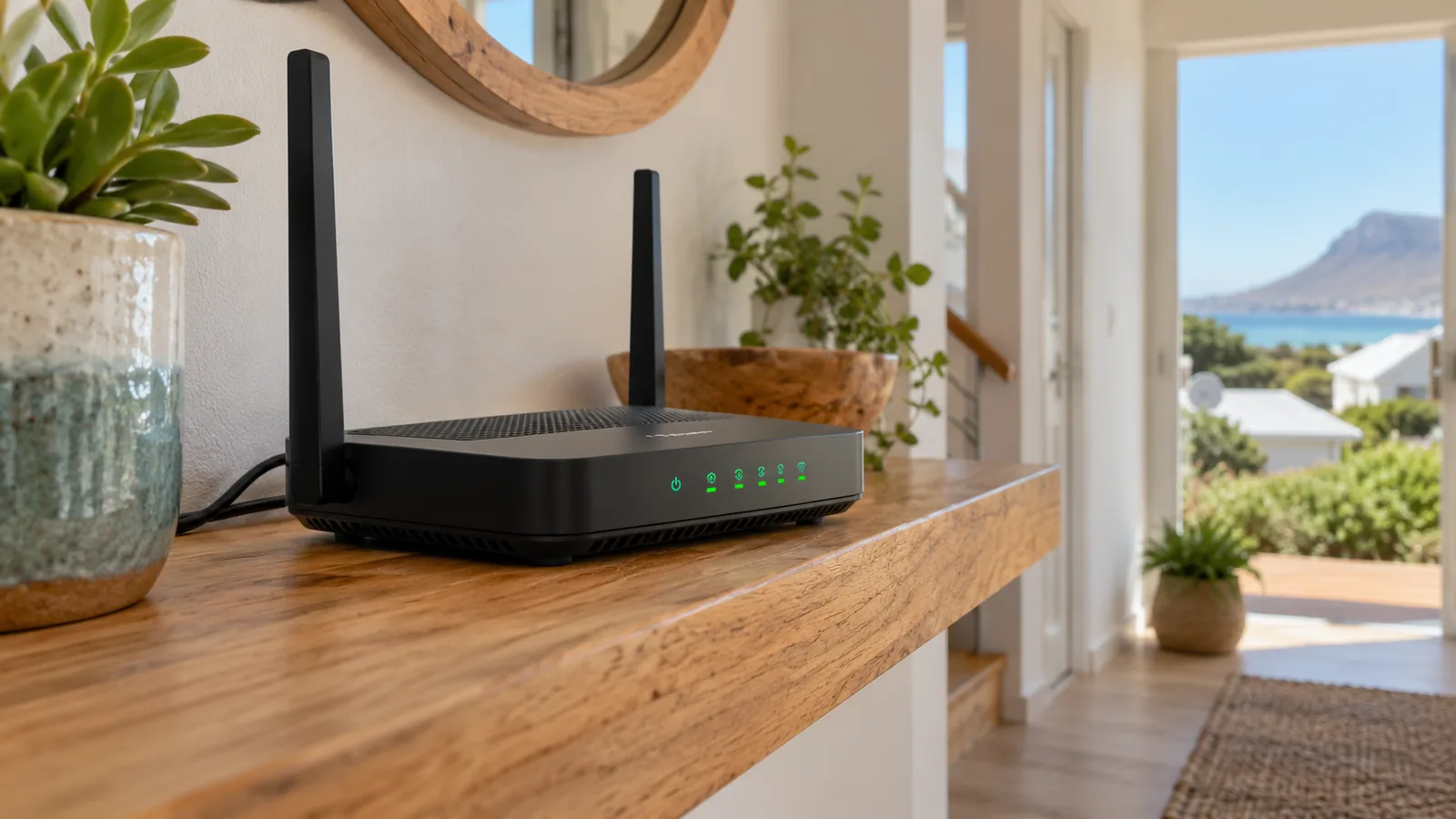
Most routers on Kommetjie fibre lines have a WPS button, which makes the pairing quick. It is the simplest way to connect Explora to internet without new cabling. Keep the remote and router within reach:
- Make sure the router is on and the internet is working on your phone.
- Stand the connector next to the Explora, not on top of it, so it does not cook from the decoder's heat.
- Plug the connector's power lead into a USB port on the Explora, and the network lead into the green network port.
- Press the WPS button on the connector, then the WPS button on your router within about two minutes.
- Wait for the WiFi light on the connector to stop flashing and glow solid.
- On the remote, press Help, choose Tools, then Connectivity Checker. You want two green ticks.
- Press the blue DStv button, go to Settings, User Preferences, Connected Services, and switch on the extras you want.
No WPS button? You can still pair the connector by plugging it into a laptop and choosing your network from a set-up page in the browser. DStv has an official guide to connecting the Explora to the internet that covers both routes.
Technician tip
Run the Connectivity Checker twice: once in the middle of the day and once at 8pm when the whole house is streaming. If the second test fails, the connector is fine but your WiFi in the lounge is running out of room.
Why WiFi in Kommetjie Homes Struggles to Reach the TV
Many coastal houses here were built to keep out the north-wester and the salt air. That means thick plastered walls, the odd stone feature wall, and lounges that face the sea while the fibre box sits by the front door. WiFi in Kommetjie homes often looks great on a phone in the kitchen and then fades to one bar at the TV cabinet.
Need DStv help in Kommetjie?
Tell us what you need or what your screen shows. We price the job before we drive out.
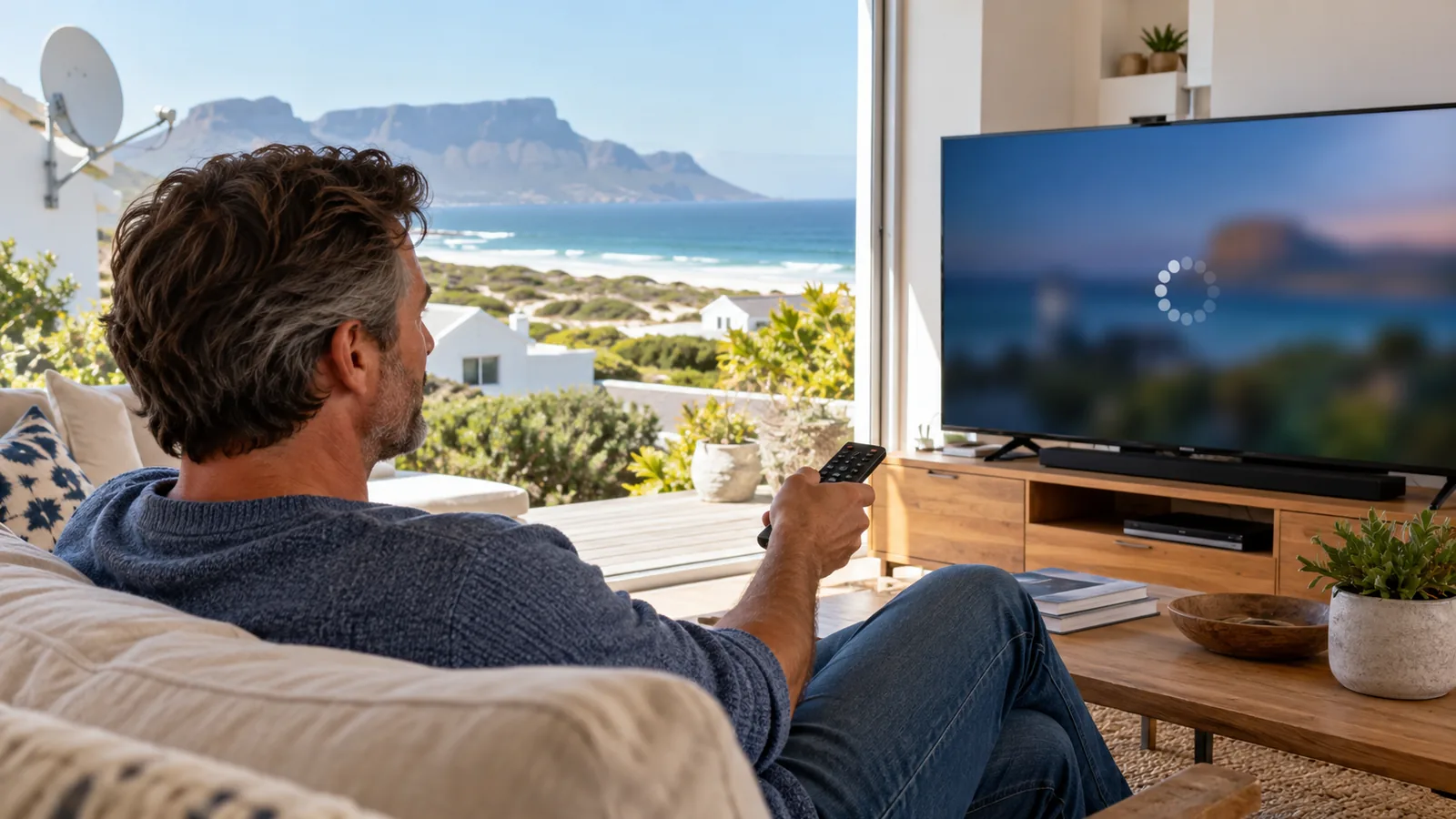
A DStv WiFi connector can only pass on the signal it receives. If it sits behind a metal TV stand, inside a closed wooden unit, or two walls from the router, you will see endless loading circles. Moving the router a metre or two often helps more than any new gadget.
Signs your DStv WiFi connector is starved of signal
- The WiFi light on the connector keeps flashing instead of glowing solid.
- Catch Up downloads stall at the same percentage every evening.
- BoxOffice movies buffer, while live TV from the dish plays perfectly.
- The Connectivity Checker shows a router tick but no internet tick.
In bigger homes in Klein Slangkop, Imhoff's Gift or along Long Beach, we often add a mesh point near the TV and plug the Explora into it with a short cable. Our WiFi and network setup service in Kommetjie covers router placement, mesh systems and cable runs, so the DStv internet connection holds up when everyone is home.
Data Use: What Catch Up on Decoder Costs Your Fibre Line
DStv recommends an uncapped line for an internet-connected Explora. Its published guidance asks for at least 2Mbps for downloads, 4Mbps for SD viewing and about 10Mbps for HD. Most fibre packages in Kommetjie, Capri and Sunnydale comfortably beat that.
The data side is easy to overlook. Pulling extra Catch Up on decoder storage happens in the background, and DStv notes that failed downloads still use data. On a capped LTE router in a holiday home, a weekend of downloads can eat through a bundle fast.
- On uncapped fibre, leave the DStv internet connection on all the time, as DStv advises.
- On capped LTE, switch off automatic downloads in Connected Services and stream only what you choose.
- Catch Up on decoder downloads use recording space too, so clear old recordings now and then.
Want to know what the extra shows look like once you are online? Our guide to DStv Catch Up in Kommetjie explains how it works on the Explora and on the app.
DStv WiFi Connector Problems We See on the Atlantic Side
Most faults are simple. Before you book anyone, check these in order:
- No lights at all: try the other USB port on the Explora. Some ports are slow to wake after a power cut.
- Light flashing forever: redo the WPS pairing. A router swap by your fibre provider wipes the old link.
- Works, then drops: move the connector away from the decoder and any metal. Check that the router is not on a timer.
- Green ticks but no extra shows: make sure Connected Services is switched on and your package includes the content.
Salt air also matters more than people expect. In homes close to the beach, we sometimes find corroded network plugs on routers and connectors that sit near open sliding doors. A fresh plug and a sheltered spot usually fixes it.
Safety first
Never open the connector or the Explora power supply to look inside. If you need a new cable run through the roof space to reach the TV, leave the ladder work to someone trained, especially when the south-easter is blowing.
Is a DStv WiFi Connector Worth It for Your Package?
The connector itself is a small once-off spend, but how much you gain depends on your package. On the bigger bouquets you get far more Catch Up and box sets, so the link pays off quickly. If you are thinking of upgrading, our look at the DStv Premium package for Kommetjie viewers breaks down what you would gain.
For holiday homes, think about who uses the TV. Guests who mainly watch live sport will barely notice the internet link. Families who binge series on rainy winter weekends will use it every day. If you also run free TV in a flatlet, our step-by-step on adding channels on an OpenView decoder covers that side.
And if WiFi needs to stretch to a cottage or studio as well, our older guide on getting WiFi out to a cottage or outbuilding shows the options.
Get Your Explora Online in Kommetjie
If the DStv WiFi connector keeps dropping, or you would rather have a neat cable or mesh point fitted, our team can sort it. We work across Kommetjie, Ocean View, Misty Cliffs and Scarborough, test the link with you before we leave, and quote first. Book DStv installation in Kommetjie or contact our Kommetjie team and we will usually be there the same or next day, depending on the schedule.
DStv WiFi connector in Kommetjie: FAQs
How does the DStv WiFi connector work?
The DStv WiFi connector joins your home WiFi and passes that internet link to the Explora through a short network cable. It takes power from a USB port on the decoder. Once paired with your router, usually with the WPS button, the Explora can download extra Catch Up shows, play BoxOffice rentals and accept remote recordings. Live TV still comes from your satellite dish.
How much is a DStv WiFi connector?
At the time of writing, a DStv WiFi connector sells for roughly R199 to R299 at electronics shops and DStv outlets. Prices change with specials, so compare on the day. It is a once-off purchase with no monthly fee, but your internet data and the Explora Access Fee still apply when you use online features.
Do I need a DStv WiFi connector for the Explora Ultra?
No. The Explora Ultra has WiFi built in, so you connect it to your router straight from the settings menu. A DStv WiFi connector is only needed for the older Explora models, which have a network port but no WiFi radio. If the router is in the same room, a network cable is still the most stable option for any Explora.
Why is my DStv WiFi connector not connecting in Kommetjie?
In Kommetjie the usual culprit is weak WiFi at the TV, caused by thick coastal walls or a router at the other end of the house. Check that the light on the connector glows solid, redo the WPS pairing after any router change and run the Connectivity Checker. If the signal is still poor, a mesh point or cable near the TV fixes it.
Can I connect my Explora to the internet without a WiFi connector?
Yes. If your router is close enough, plug a network cable from the router into the green network port on the back of the Explora. DStv rates this as the most stable option. You can also run the cable to a mesh WiFi point placed next to the TV, which suits larger homes where the router sits far from the lounge.
Does a Kommetjie holiday home need uncapped internet for DStv Catch Up?
It is strongly recommended. An internet-connected Explora downloads shows in the background and DStv notes that even failed downloads use data. On a capped LTE line in a Kommetjie holiday home, switch off automatic downloads and stream only what you choose, or move to an uncapped fibre package if one is available at your address.